Blog
Ideas, guides & field notes
Practical know-how for turning your website into a business asset — from design and build fundamentals to conversion and AI search visibility — written by the Supasaito team from real client projects.
 AI & Search Visibility
 Do more AI mentions mean more customers?
Separate brand mentions in AI answers from website visits, enquiries and confirmed customers, then identify which records your report still needs.
 AI & Search Visibility
 How can you check whether an AI citation supports a claim?
Compare an AI claim with its cited passage, preserve plan and channel limits, and record source checks using a concrete fictional example.
 AI & Search Visibility
 How do AI assistants find information on the web?
Understand how AI assistants search and use web information, then check whether linked sources support the claims in an answer.
 Tools & Workflow
 The company blog has stopped: where do you restart?
Choose which unfinished article to resume, resolve what it needs and agree the next review before rebuilding your company blog’s publication plan.
 Tools & Workflow
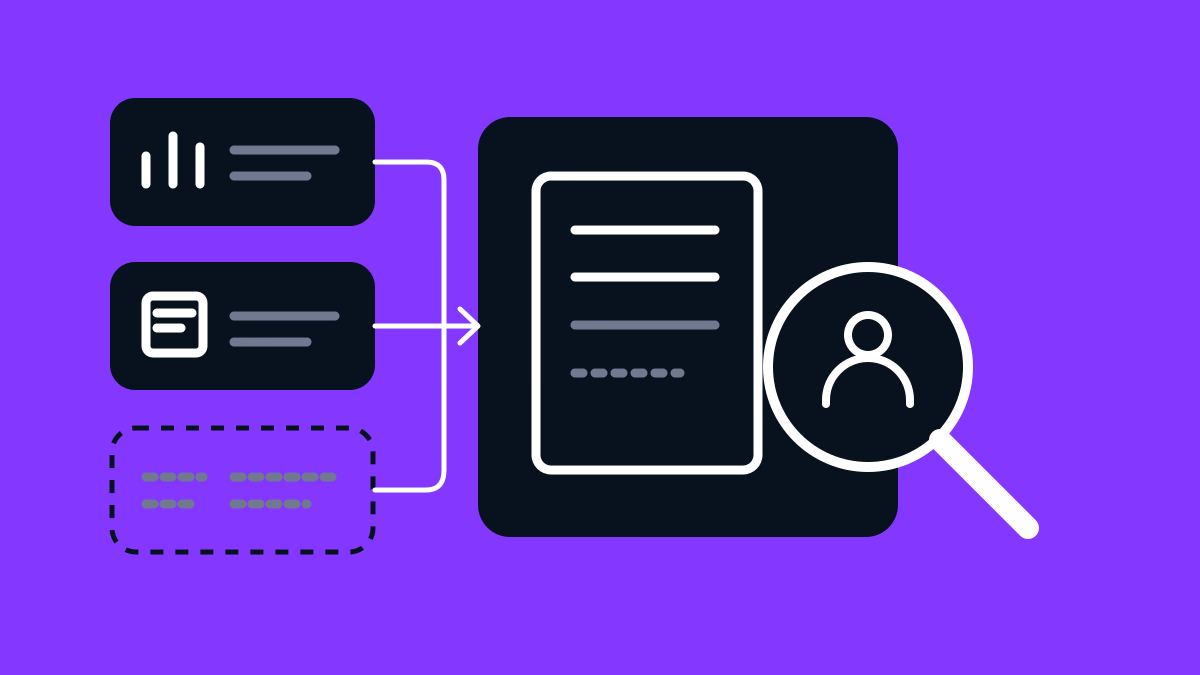
 Who looks after a task once it is automated?
Follow a fictional monthly marketing report through a missing sales source, a new reader and a changed question, with clear responsibilities and checks.
 Tools & Workflow
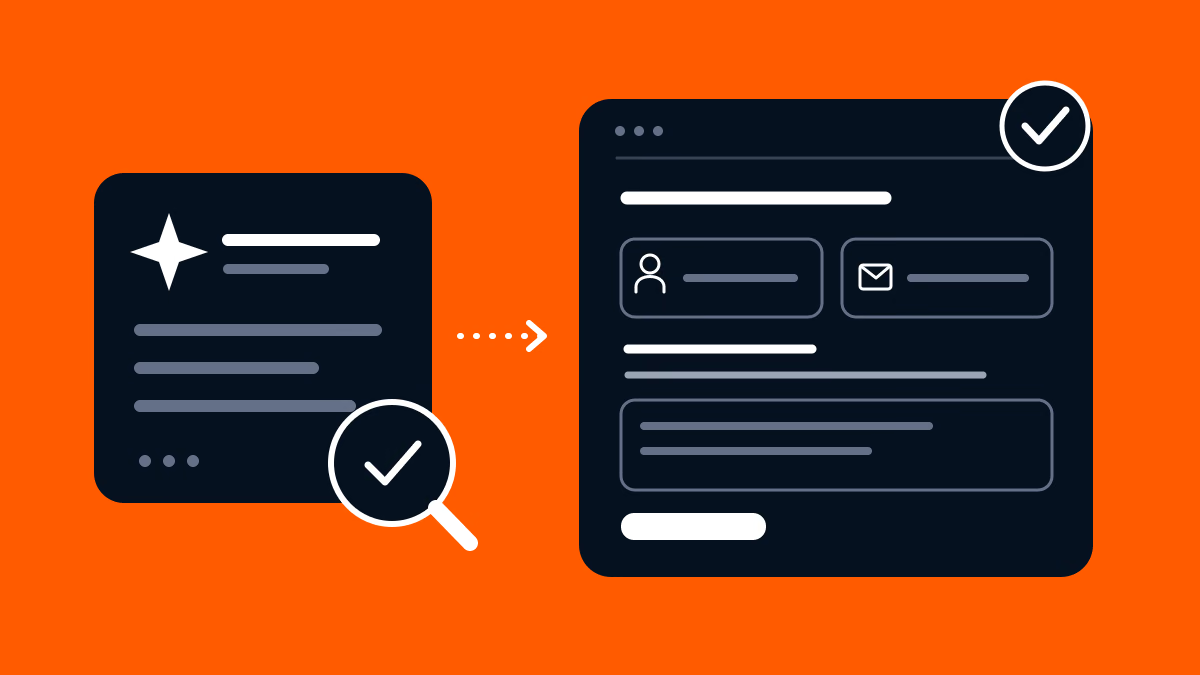
 AI suggests a website change: how do you decide whether to do it?
Follow a fictional contact-form change from an AI suggestion through service-owner review, a developer request and checks on the page and received message.
 Tools & Workflow
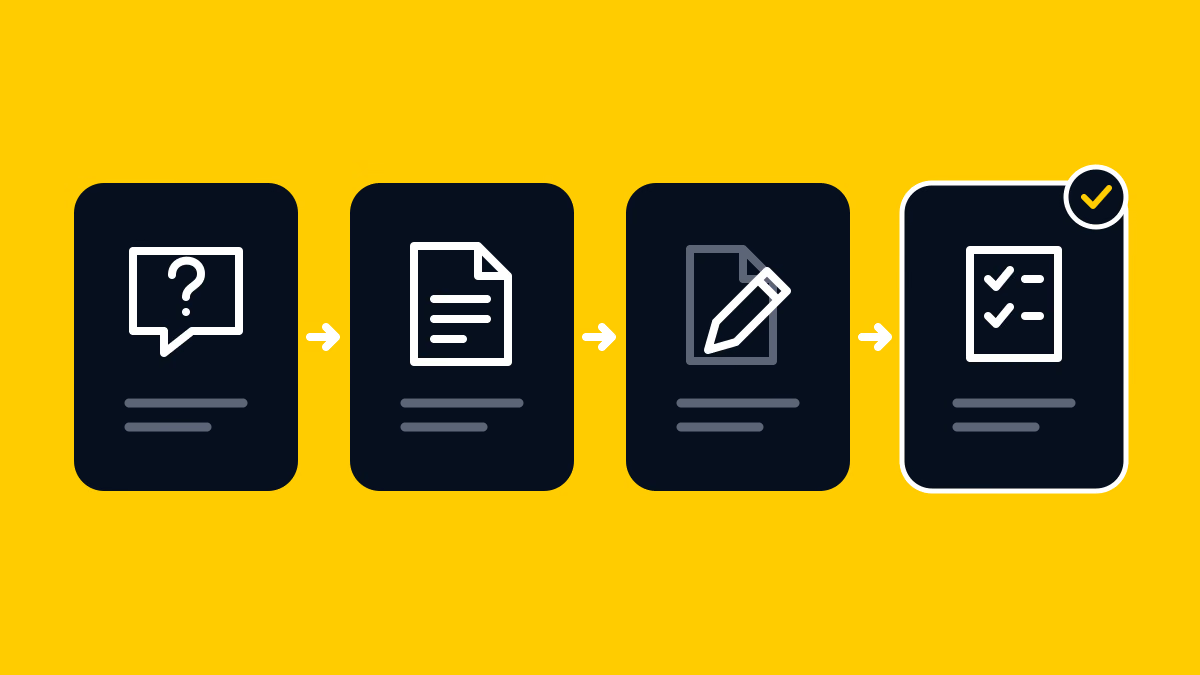
 What does AI need to know to write something useful about your company?
Follow a fictional roof-inspection article from the reader’s question to checked sources, a writing assignment and a reviewed draft.
 Tools & Workflow
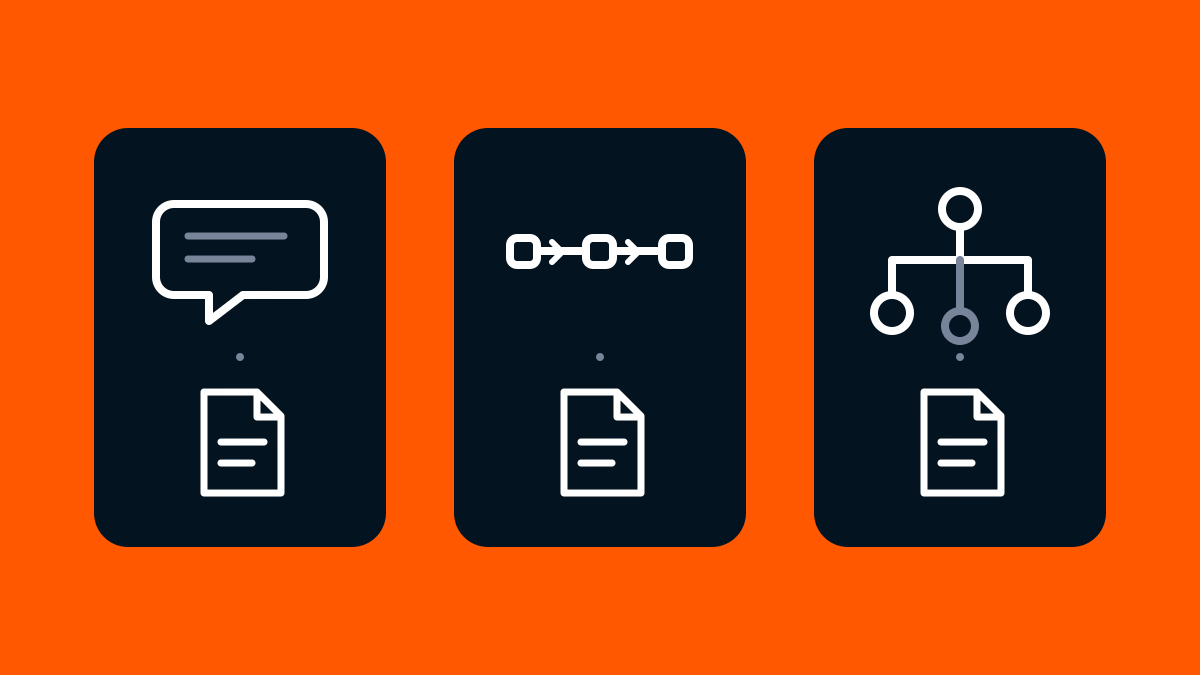
 Chatbot, automation or AI agent: what changes in everyday work?
Follow a fictional blog correction through chat, a predefined workflow and an AI agent to decide what to delegate and what to review.
AI & Search Visibility Do more AI mentions mean more customers?
Separate brand mentions in AI answers from website visits, enquiries and confirmed customers, then identify which records your report still needs.
AI & Search Visibility How can you check whether an AI citation supports a claim?
Compare an AI claim with its cited passage, preserve plan and channel limits, and record source checks using a concrete fictional example.
AI & Search Visibility How do AI assistants find information on the web?
Understand how AI assistants search and use web information, then check whether linked sources support the claims in an answer.
 AI & Search Visibility
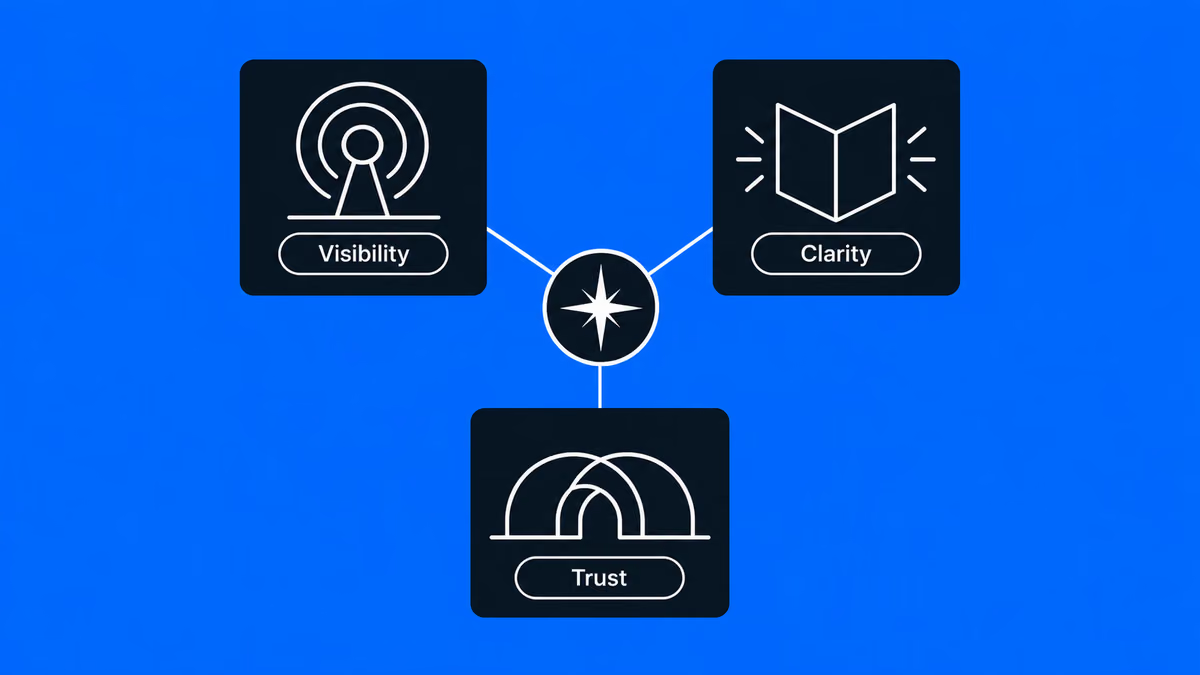
 Found by AI. Chosen by Humans. — A New Standard for B2B Marketing
Supasaito’s mission is to change how marketing works and how people perceive it by making Visibility, Clarity and Trust the standard.
 AI & Search Visibility
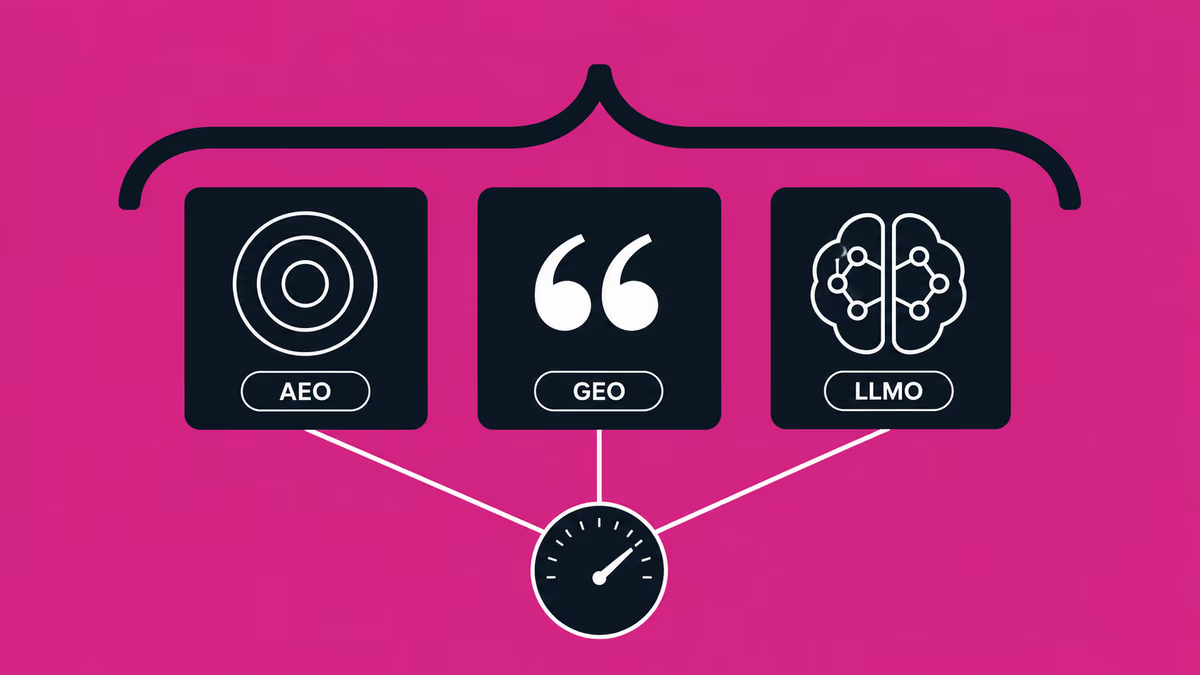
 What Is AIO (AI Optimization)? Scope, AEO/GEO/LLMO and What It Costs in 2026
AIO (AI Optimization) is the umbrella term over AEO, GEO and LLMO. What it actually covers, how the three disciplines divide the work, how to sequence them, and what the market charges in 2026.
 AI & Search Visibility
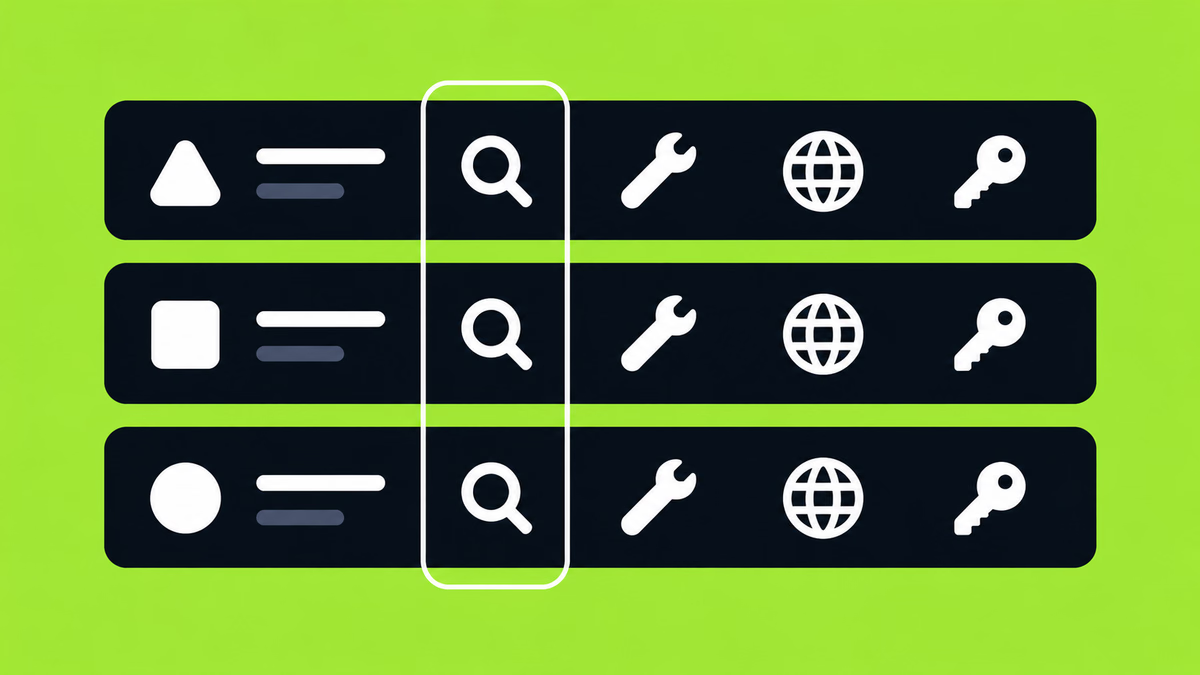
 Where AI visibility tools actually differ. Ten products, point by point.
Ten AI visibility tools compared across fourteen points: engines, cadence, turning findings into work and cost. A practical guide to choosing tools for GEO, LLMO and AEO.
 AI & Search Visibility
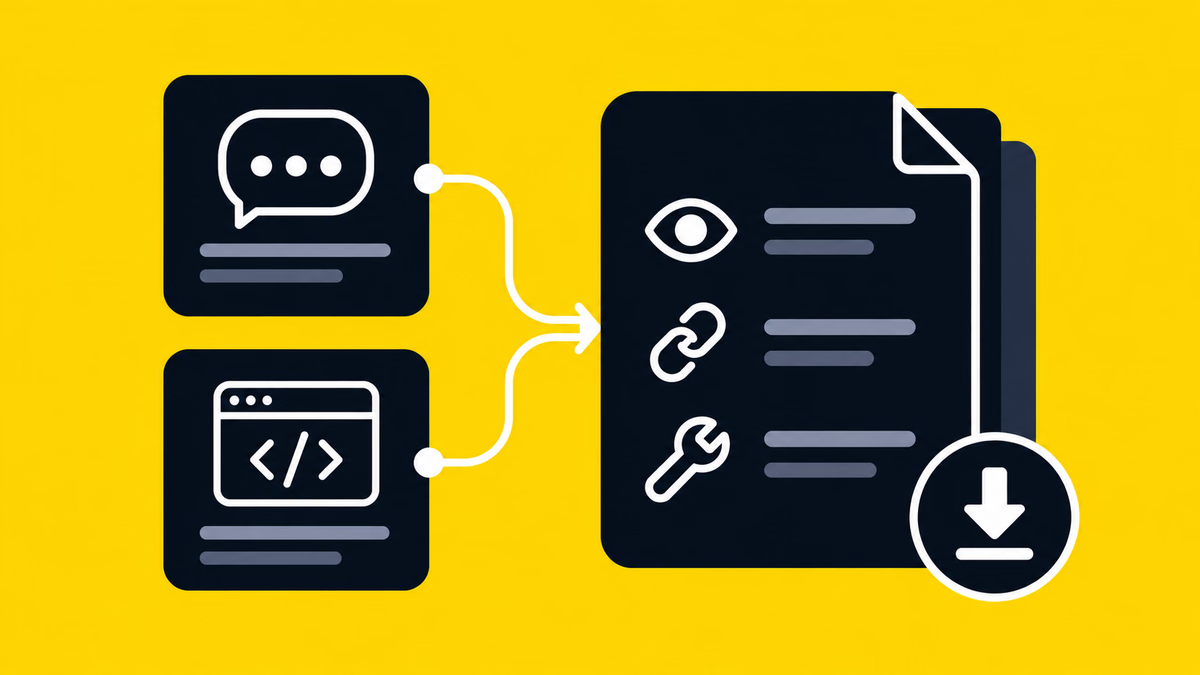
 The full free AI audit: a tour of the on-demand PDF report
A demo-data tour of Supasaito's free AI brand audit: two AI engines, five analysis axes, a site audit and a PDF whose sections and slide count depend on the available data.
 Business & Freelancing
 In-House vs Outsourcing Your Website (2026): Costs, Trade-offs & How to Choose the Right Partner
Recently, the rise of no-code tools has simplified website creation for those without engineering backgrounds. When you create a website, you probably have a certain purpose in mind. But if that purpose is just "I just want a website," then using no-code tools such as Webflow, Wix, Studio and others, you can easily and free of charge create a website. However, if the purpose of creating a website is to improve your brand, attract customers, or sell products effectively, you need to create a website to achieve that goal. This requires a variety of knowledge and skills, such as creating a design that fits the brand's image, building source code that loads quickly, and creating a structure and content that is optimized for search. It is a difficult decision to decide whether to do this job, which requires many production man-hours, in-house or to outsource it to an outside production company or freelancer. To help you make this decision, we will explain in detail the advantages and disadvantages of each.
 AI & Search Visibility
 What Is GEO? Generative Engine Optimization in 2026 — How To Do It, and What It Costs
GEO (Generative Engine Optimization) explained: how it differs from LLMO and AEO, a practical 6-step playbook, and 2026 cost benchmarks. From Supasaito, the team behind the free AI Visibility Audit — how to get cited and recommended by generative AI search.
 AI & Search Visibility
 Google Now Scores Whether AI Agents Can Use Your Website — Here's What Agentic Browsing Checks
PageSpeed Insights now scores whether AI agents can use your site. What the four Agentic Browsing audits (llms.txt, accessibility tree, WebMCP, CLS) check, plus a 60-second self-check. From Supasaito, home of the free AI Visibility Audit.
 Webflow & Development
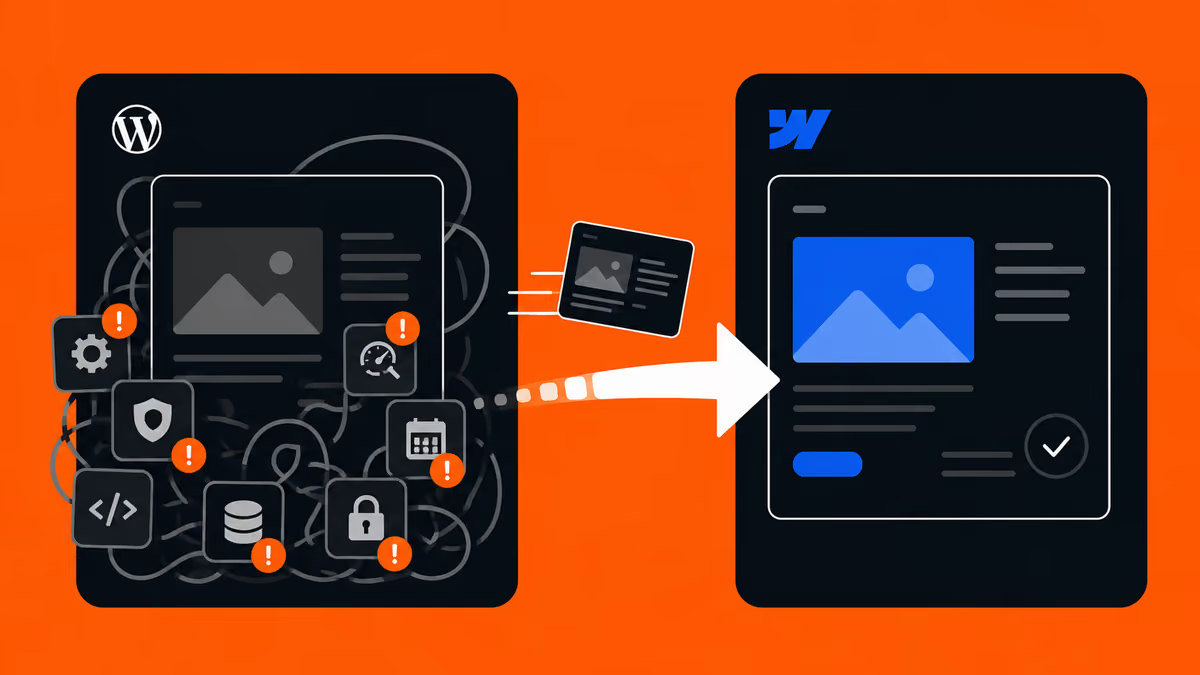
 Should You Migrate from WordPress to Webflow? (2026 Guide) — When to Switch, Costs, and How to Do It Right
Should your company migrate from WordPress to Webflow? An honest decision guide covering maintenance costs, security, in-house management, and SEO — when migration makes sense, when to stay on WordPress, and how to migrate without losing rankings. By Japan's first official Webflow Enterprise Partner.
 AI & Search Visibility
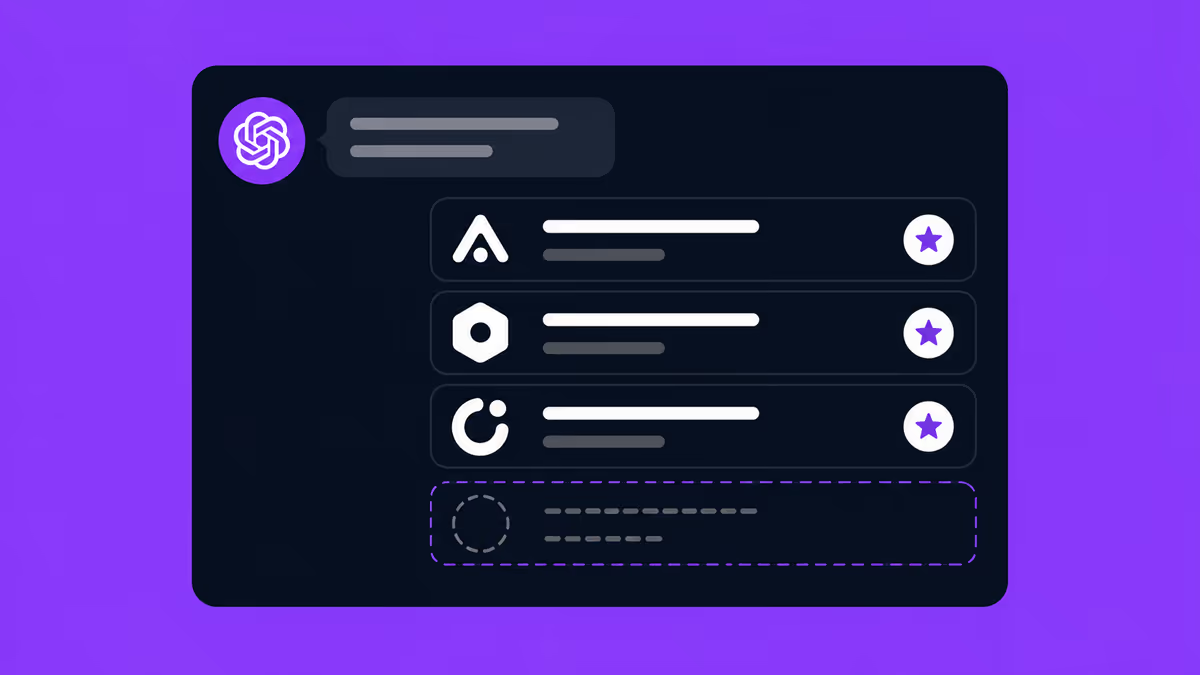
 Why ChatGPT Recommends Your Competitors — and How to Fix It
You asked ChatGPT about your category and got your competitors. Here are the 5 reasons AI leaves your brand out — and how to fix each one, with a 15-minute self-check. From Supasaito, who run a free AI Visibility Audit.
 AI & Search Visibility
 8 Best LLMO / AI Search Optimization Agencies in Japan (2026)
Choosing who runs your AI-search visibility in Japan, from outside the market. Eight LLMO / AIO firms compared on public data against five criteria — plus the three things that behave differently in Japan: the domestic sources AI cites, Japanese spelling variants, and why translated content is not cited. By Supasaito, a bilingual Tokyo team that implements, not just measures.
 AI & Search Visibility
 How Much Does LLMO / AI Search Optimization Cost in Japan? (2026)
What LLMO / AIO optimization actually costs in Japan in 2026, based on public pricing. A one-off diagnostic runs ¥100K–500K; monthly consulting sits at ¥150K–800K. The price breakdown, how to choose, and what to check before you buy — from Supasaito.
 AI & Search Visibility
 How To Do LLMO in 2026: Where To Start, and 12 Steps You Can Do In-House
How to do LLMO / AI search optimization: a 5-step way to start, plus the 12 steps you can run in-house and the areas worth outsourcing — across four layers: structure, content, off-site signals, measurement. From Supasaito, who run a free AI Visibility Audit.
 AI & Search Visibility
 How to measure AI visibility without mistaking noise for progress
Define AI visibility and share of voice, compare recorded answer samples and report changes without mistaking them for customer growth.
 Webflow & Development
 Webflow vs STUDIO (2026): Which Should You Build Your Company Site On?
Webflow or STUDIO for your company website? We compare code ownership, scalability, multilingual reach, SEO, pricing and Japanese support from a business perspective — written by Supasaito, Japan's first official Webflow Enterprise Partner — with a scenario-based guide to choosing.
 AI & Search Visibility
 A technical SEO and GEO audit checks whether your site is ready for AI retrieval
How Supasaito checks domain-wide and page-level readiness, what SSPS does and does not mean, and which findings include implementation guidance.
 AI & Search Visibility
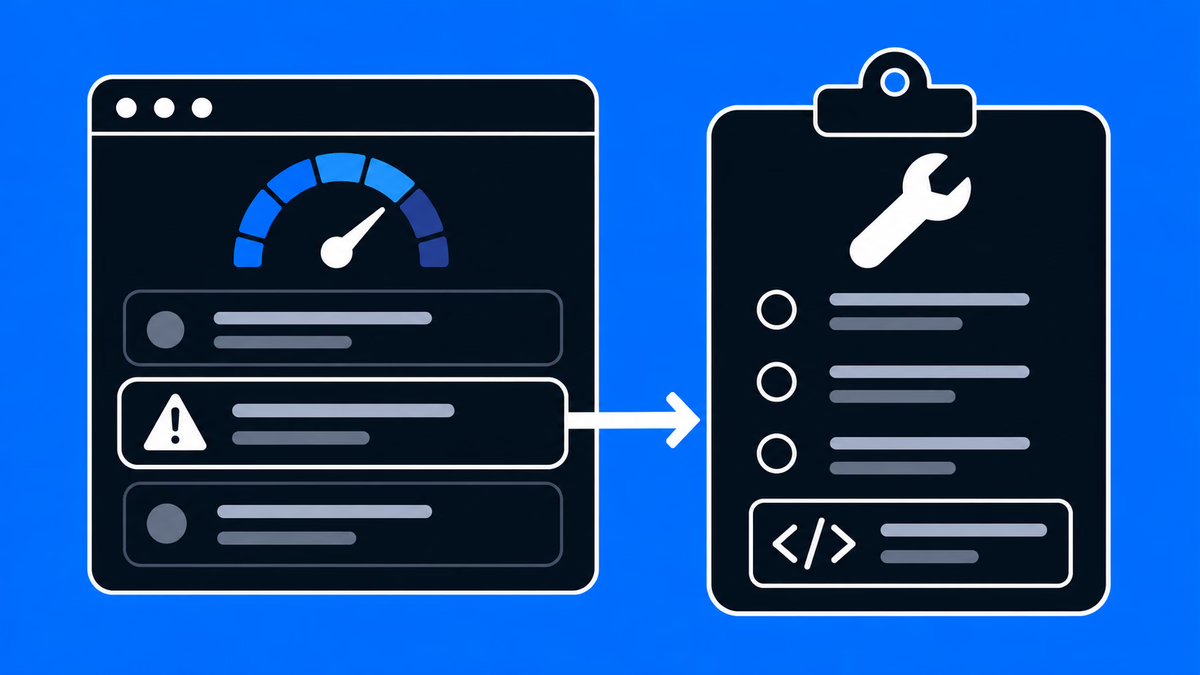
 How to read your SSPS score and fix it with technical briefs
A practical guide to Supasaito's Site audit: how the SSPS readiness score works, why pages score low, and how to act on the findings.
 AI & Search Visibility
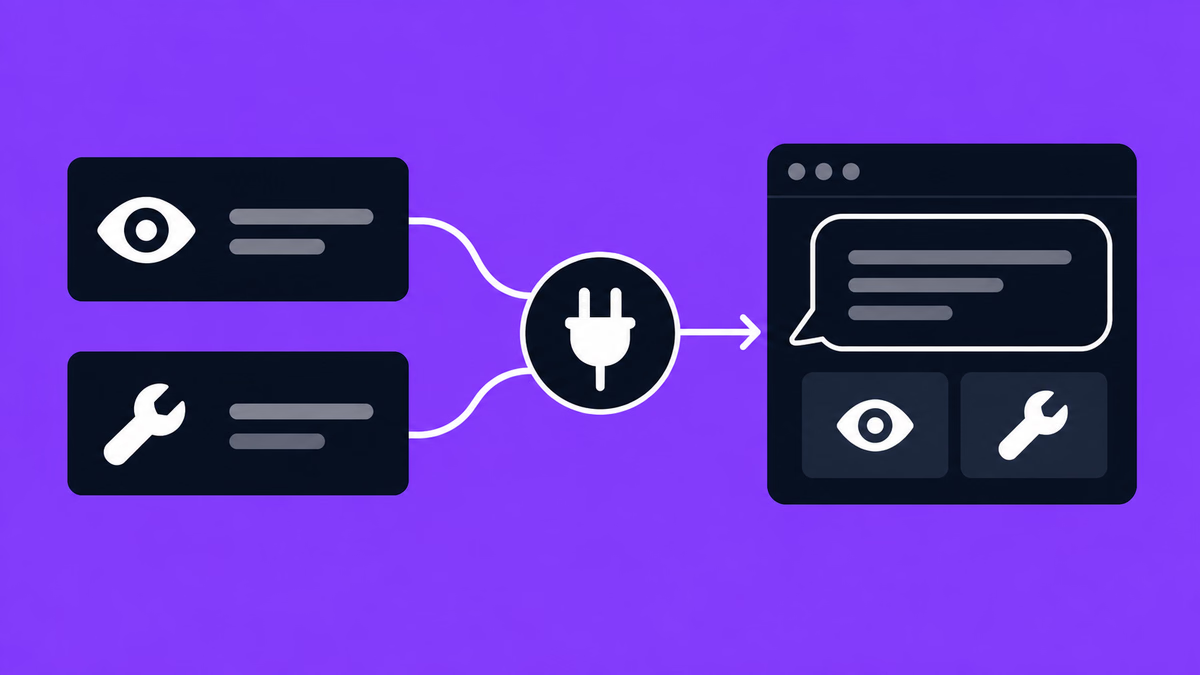
 Supasaito MCP: bring recommendations into a compatible AI client
How a compatible MCP client can retrieve Supasaito metrics and recommendations, with a practical weekly-digest workflow and the access controls to understand first.
 Conversion (CRO)
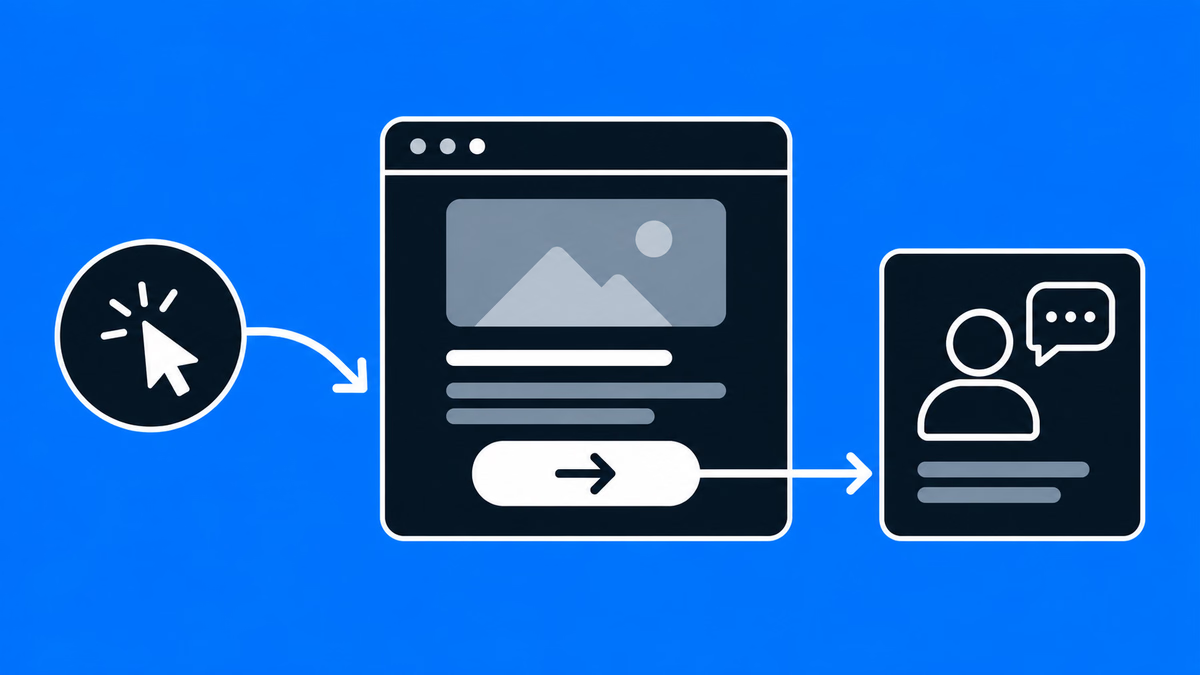
 How to Improve B2B Website & Landing Page Conversion Rates: Choosing the Right Partner
How to improve B2B website and landing page conversion rates: a practical guide to CRO, choosing a data-driven development partner, and a vendor checklist.
 AI & Search Visibility
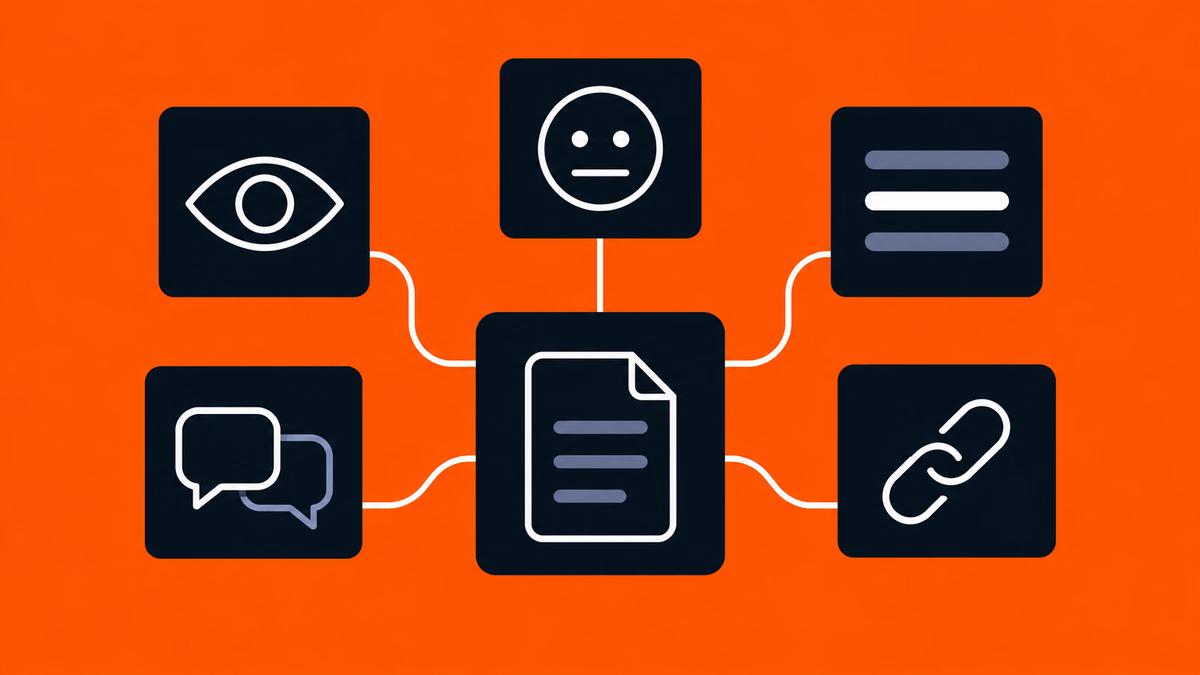
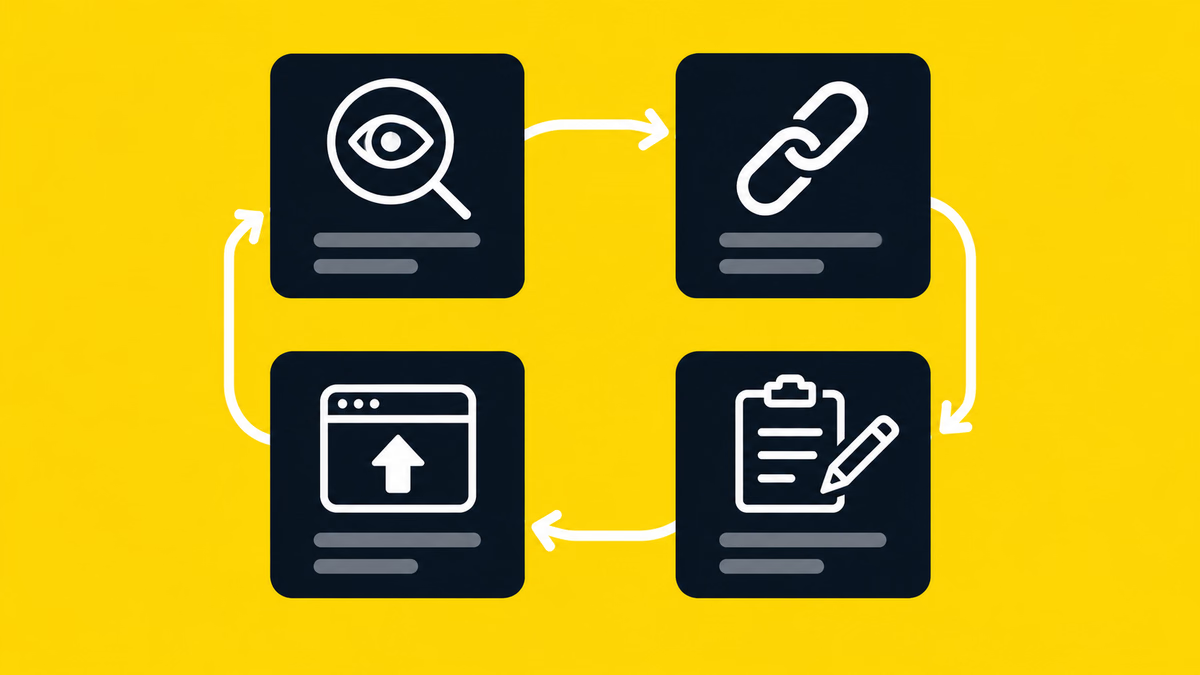
 GEO for CMOs: the 5 metrics to report to the board in the AI search era
As search moves into AI assistants, which metrics should a CMO track? The five axes — visibility, position, sentiment, share of voice, cited sources — and how to fold them into executive reporting.
 AI & Search Visibility
 GEO for marketers: a weekly routine for improving AI search visibility
How to improve brand visibility in AI search as a practitioner — prompt design, spelling-variant setup, reading weekly scans, and turning opportunities into content briefs your team can execute.
 AI & Search Visibility
 Technical GEO for marketing engineers: robots.txt, structured data, llms.txt
The technical side of GEO that engineering owns — admitting AI retrieval crawlers, serving server-rendered HTML, structured data that carries real facts, and an honest take on llms.txt.
 AI & Search Visibility
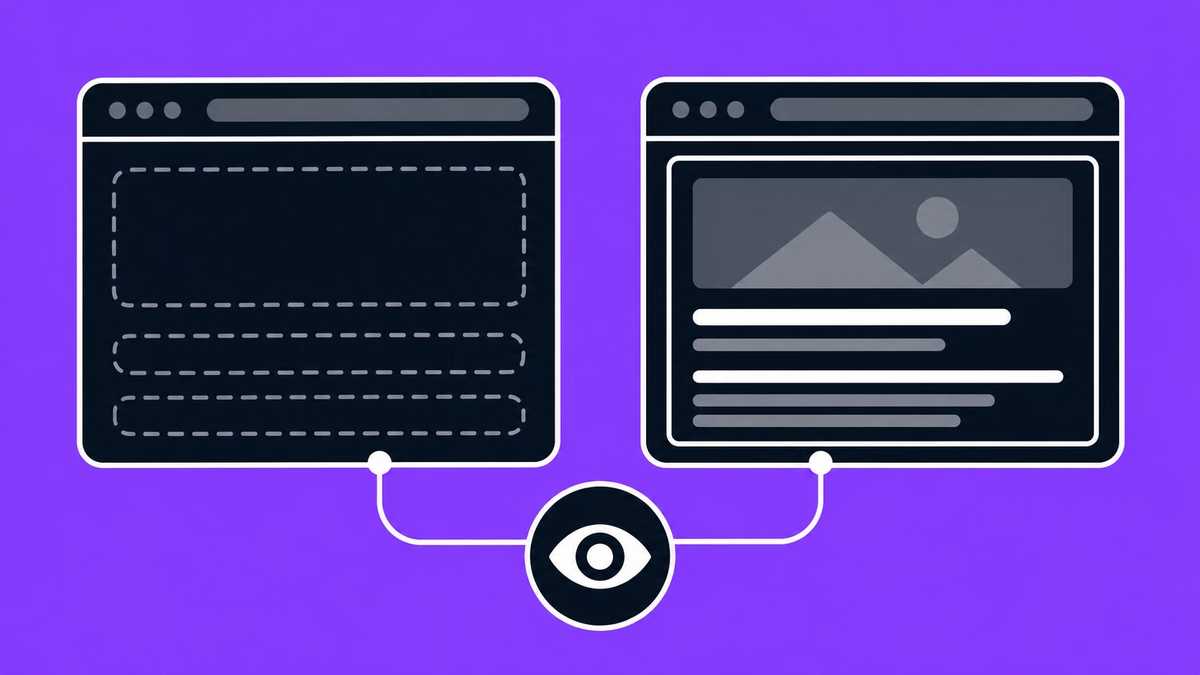
 What AI crawler rendering data says about your initial HTML
Vercel found no JavaScript execution in 569M GPTBot requests. What that observation means, where Googlebot differs, and why critical text in initial HTML is the safest cross-platform baseline.
 AI & Search Visibility
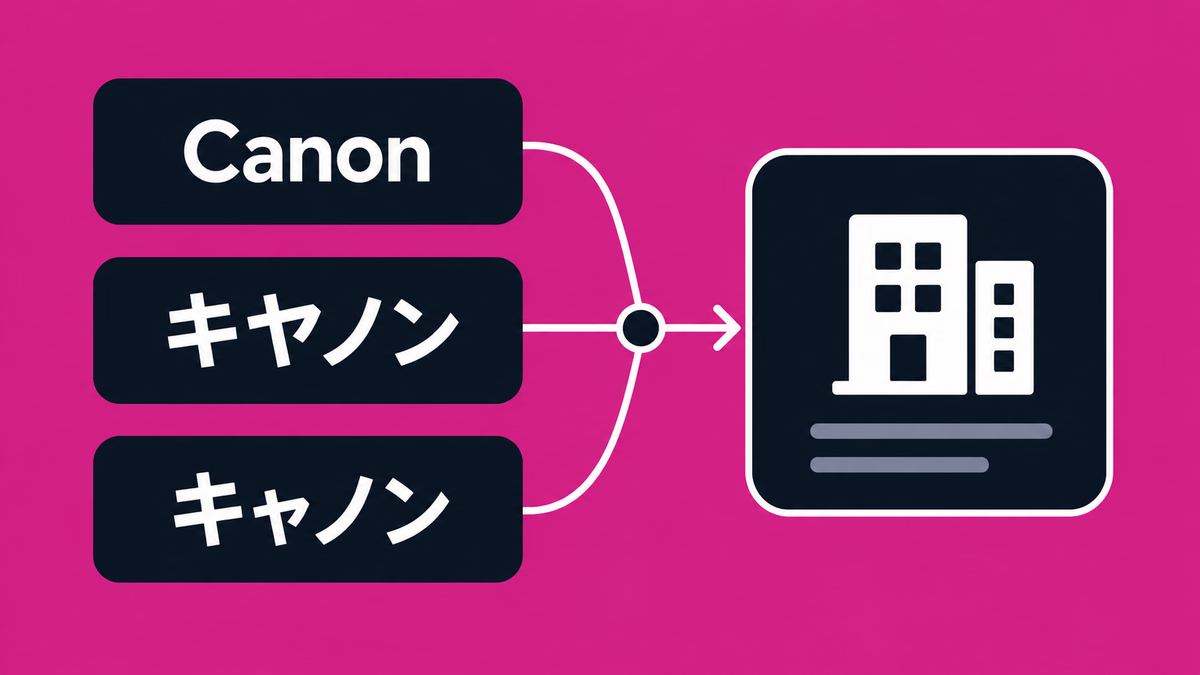
 Hyokiyure: how Japanese spelling variants break AI measurement — and how to count brand mentions correctly
キヤノン, キャノン, Canon. Japanese spelling variants cause systematic undercounting in AI-answer measurement. Why it happens and how to design measurement that counts correctly.
 AI & Search Visibility
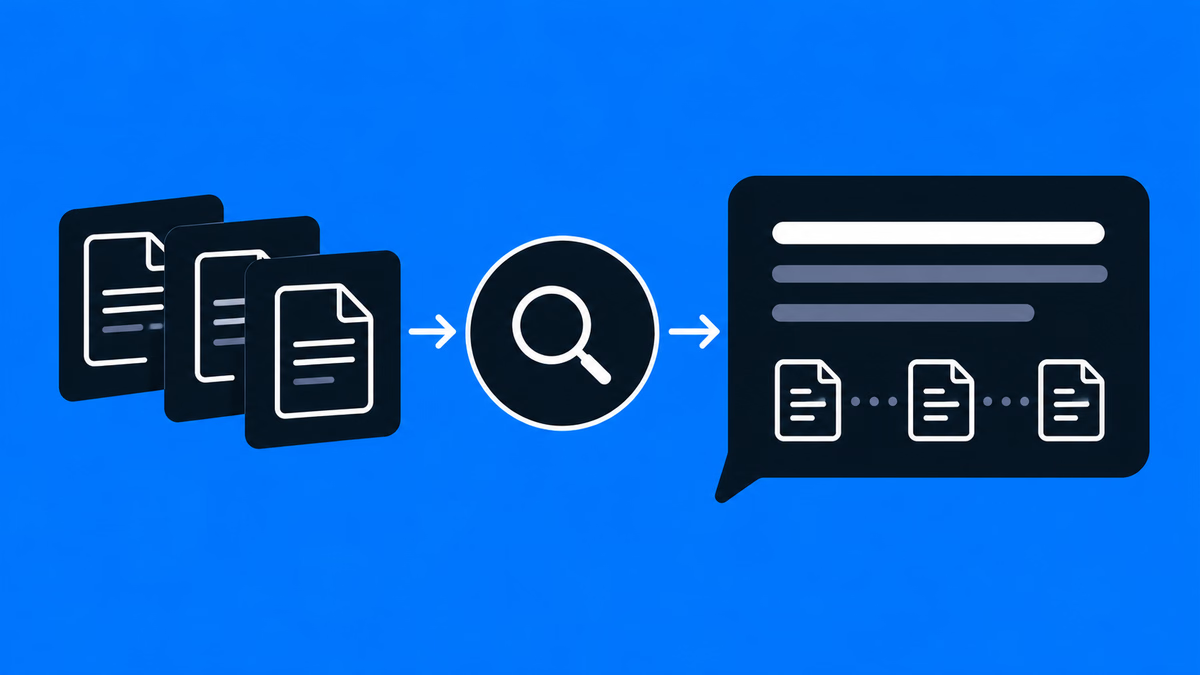
 What is GEO (Generative Engine Optimization)? A guide to brand visibility in AI search
GEO defined: how it differs from SEO, what research has and has not demonstrated, and practical steps companies in Japan can take today.
 Tools & Workflow
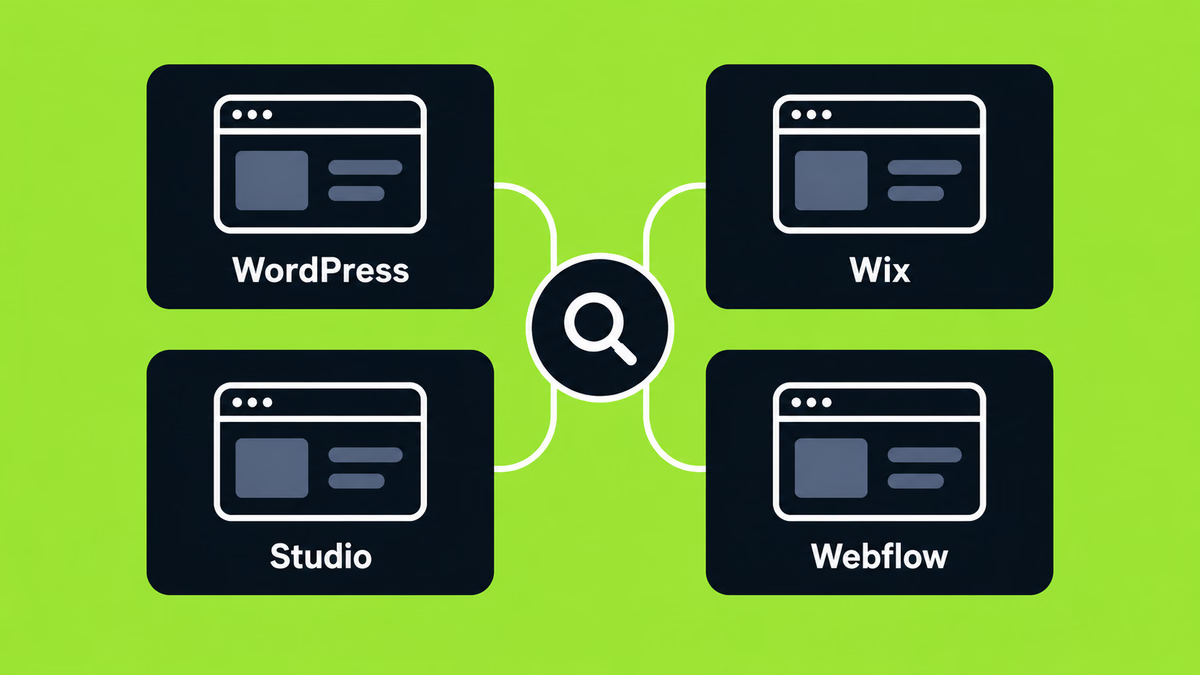
 Comparison of Web Design Tools
This article compares four popular no-code website creation tools: WordPress, Wix, STUDIO, and Webflow. For each platform, it provides an overview of its key features, pros and cons, and ideal use cases.
 Webflow & Development
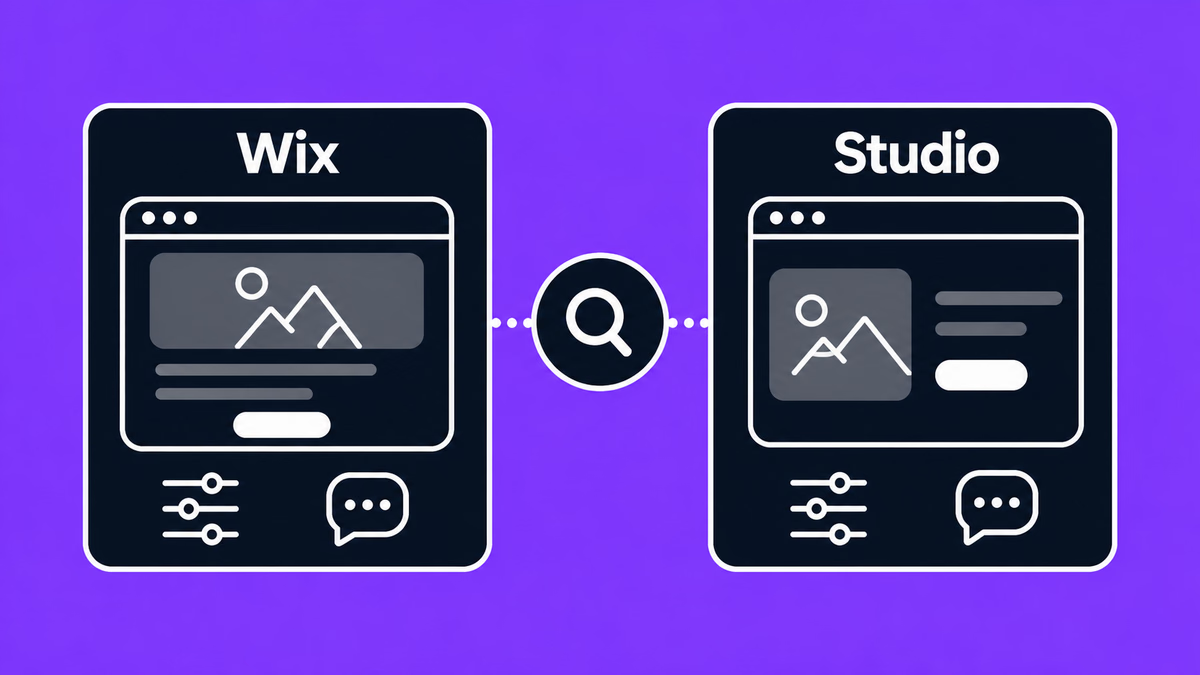
 Comparison: WIX and STUDIO
Not sure whether to go with Wix or STUDIO? Wix lets you build intuitively, while STUDIO shines with design flexibility. We break down their features in a friendly way—and also introduce Webflow, a pro-level tool worth knowing.
 Webflow & Development
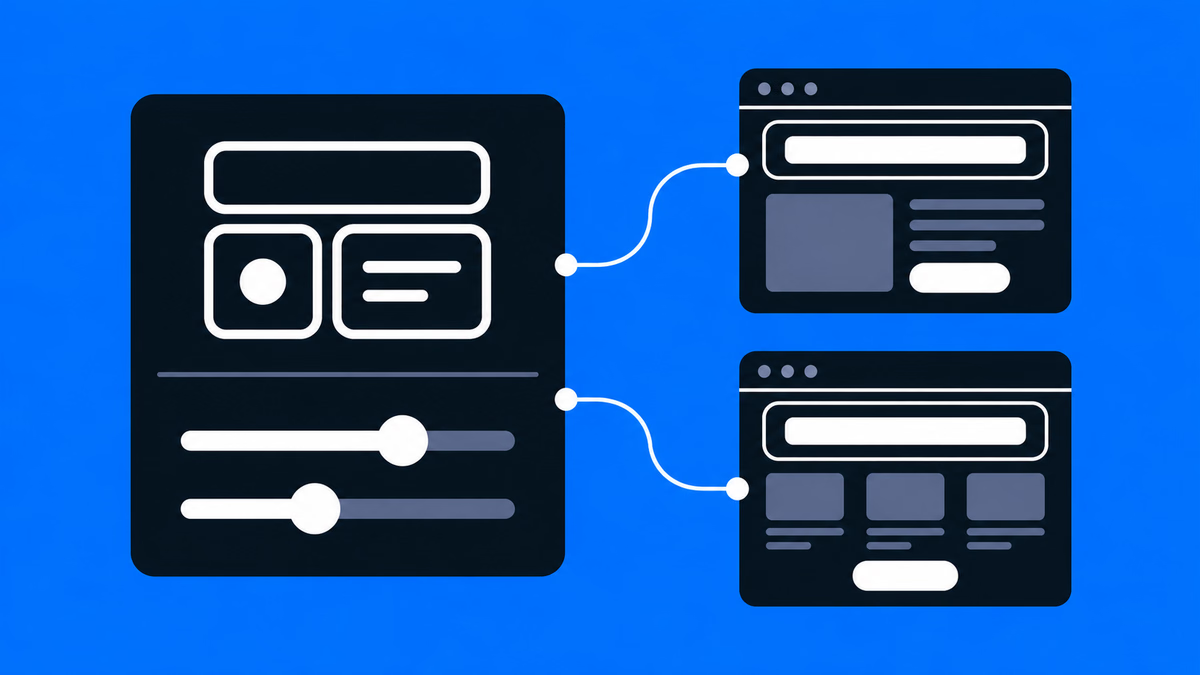
 Web Development at Scale with Webflow: Component and Variable-Based Framework for Fast Teamwork and Error Prevention
This Webflow framework by Supasaito simplifies website building and management, especially for large teams. It tackles common challenges like design bottlenecks, accidental style changes, and inconsistencies using components with properties, structured variables, and clear CSS class naming. The system boosts speed, flexibility, localization, and design control, ensuring consistent, scalable, and error-free Webflow development.
 Webflow & Development
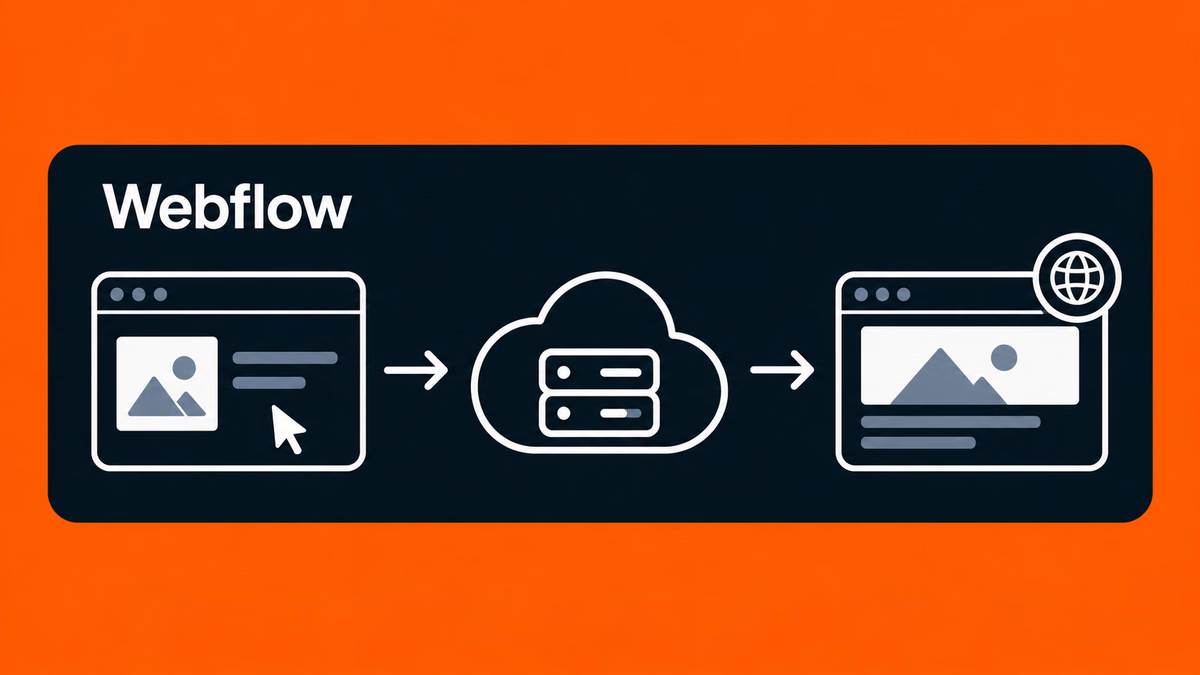
 Publish Your Website Without a Server! Getting Started with Web Design Using Webflow
Have you ever thought, “I want to build my own website, but do I need to rent a server to do that?” If so, you're not alone. In the past, building a website required you to sign up for a server and configure everything yourself. But now, with no-code tools like Webflow, it's possible to publish your website without needing a separate server contract! In this article, we’ll break down what a server is, why you don’t need one when using Webflow, and how beginners can easily get started with web design—no tech knowledge required.
 Webflow & Development
 WordPress vs. No-Code! Which should you choose?
 Design (UI/UX)
 9 examples of Japanese company websites created with Webflow
Hello everyone! We are Supasaito, a no-code tool expert! Webflow is a no-code platform that allows designers and web professionals alone to create websites with zero knowledge of coding. In Japan, Webflow has been highly evaluated for its versatility and freedom of design, and many companies have adopted Webflow.In this article, we will introduce several Japanese websites created with Webflow, and see what kind of sites can be created with Webflow!
 Webflow & Development
 What Is Webflow? Why It’s the Most Popular No-Code Tool
This article introduces Webflow from an expert’s perspective, detailing its unique visual development features, competitive edge over other no-code platforms, and suitability for beginners, designers, and enterprises.
 Webflow & Development
 Global business and website localization
Overview of the benefits and best practices of website internationalization and localization.
 Design (UI/UX)
 Japanese Website Showcase Built with Webflow
This article showcases six real Webflow projects built by Supasaito in Japan, highlighting use cases from large enterprises (Ricoh, Toppan Printing), educational and nonprofit initiatives (Booko, Terackathon), and commercial websites (E-Housing, Unique On).
 Business & Freelancing
 How to Choose the Right Webflow Developer: A Guide to Business Success
This article offers a practical guide to selecting a reliable Webflow developer or agency.
 Webflow & Development
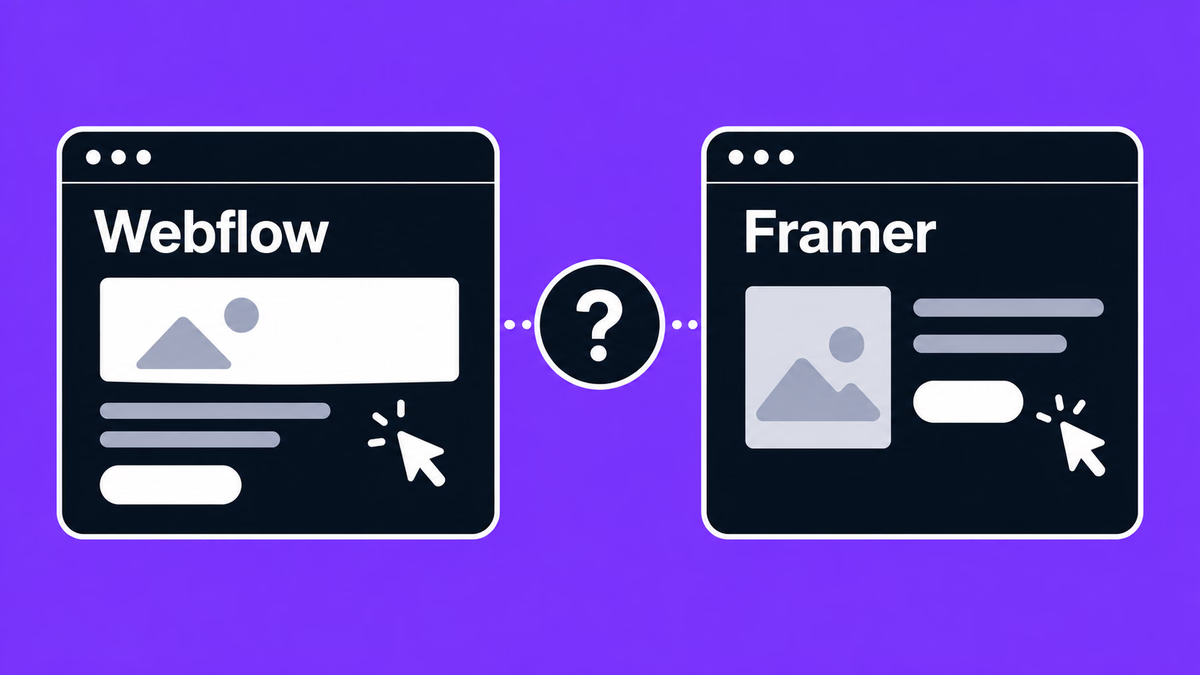
 Comparing Webflow and Framer – Which No-Code Tool Is Right for You?
This in-depth article compares Webflow and Framer, two leading no-code tools used globally (especially outside Japan) to manage websites without traditional coding.