Comparison of Web Design Tools
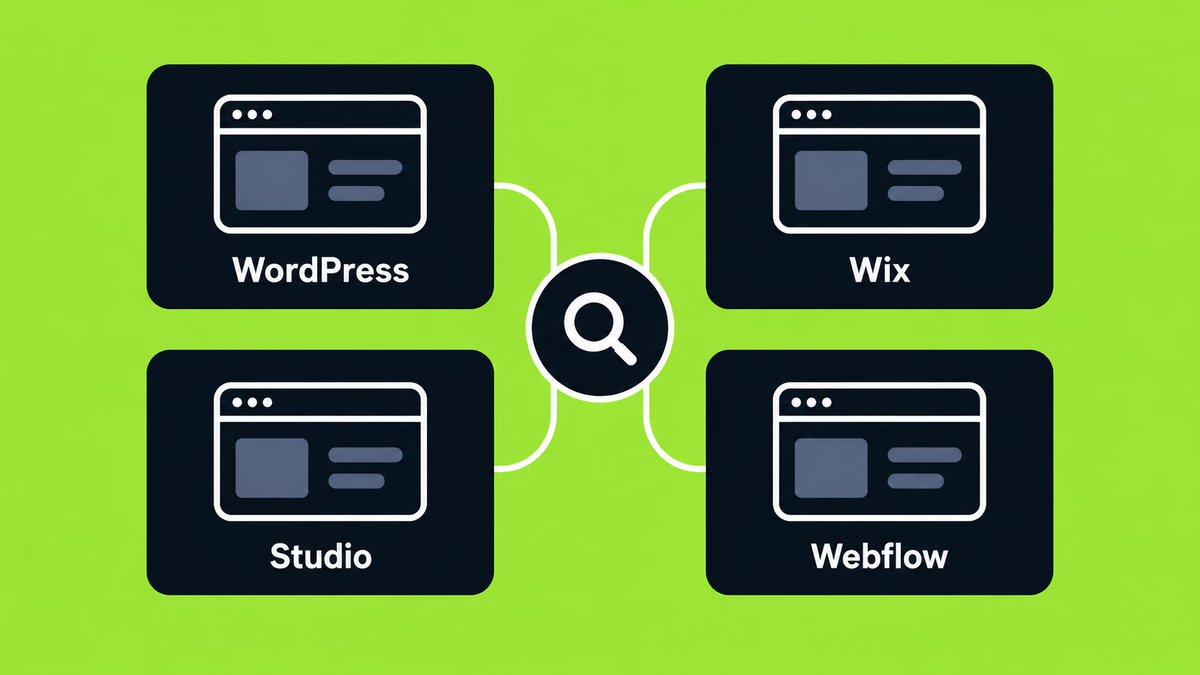
Today, there’s an overwhelming number of tools available for web development. It’s no surprise that many people find themselves asking, “Which one should I choose?”
In this article, we’ve handpicked some of the most well-known and highly rated web development tools. We hope it helps you find the perfect fit for your business or project.
How to Build a Website Without Code?
In the past, creating a website required coding knowledge such as HTML, CSS, JavaScript, and PHP. Today, no-code tools let you build a fully functional site on your own—no programming experience needed. This guide reviews four popular no-code options to help you choose the best fit for your needs.
1. WordPress
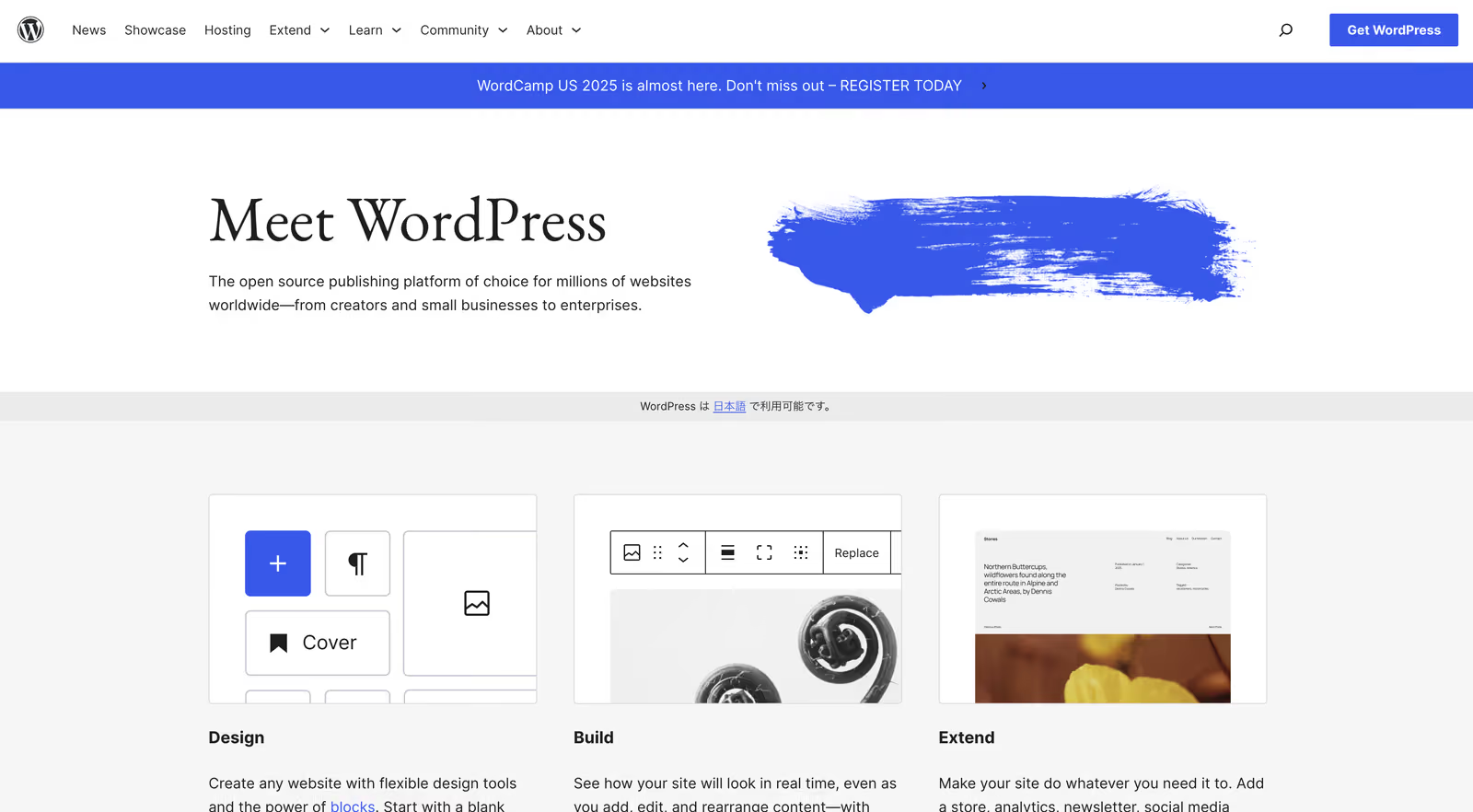
An open-source CMS (Content Management System) that supports everything from blogs and corporate sites to e-commerce. About 43% of websites worldwide are built with WordPress, making it the world’s most popular Content Management System (CMS).
- Recommended for: Personal blogs, media sites, basic business websites
Advantages of WordPress
- Ready to use right after installation
- Vast selection of themes and plugins for high customization
- Strong SEO capabilities
- Multilingual support
- Abundant documentation makes troubleshooting easy
- Advanced security measures
- In 2025: AI content creation and management assistant features expected in WordPress 6.9
Disadvantages of WordPress
- Complex operations require engineering knowledge
- Performance can suffer on limited hosting environments (e.g., shared hosting with 10,000–100,000 monthly visits) unless you implement caching, CDN, optimized themes, and proper database management.
- Vulnerable to hacking if not maintained (regular updates and careful plugin selection are essential)
- Vulnerable to hacking (careful plugin selection is key)
- Advanced customization requires knowledge of HTML/CSS/PHP
- Requires regular updates (support for versions 4.1–4.6 ends after July 2025)
- Some themes and plugins may incur additional costs
👉Click here to learn why moving from WordPress to Webflow is recommended
2. Wix
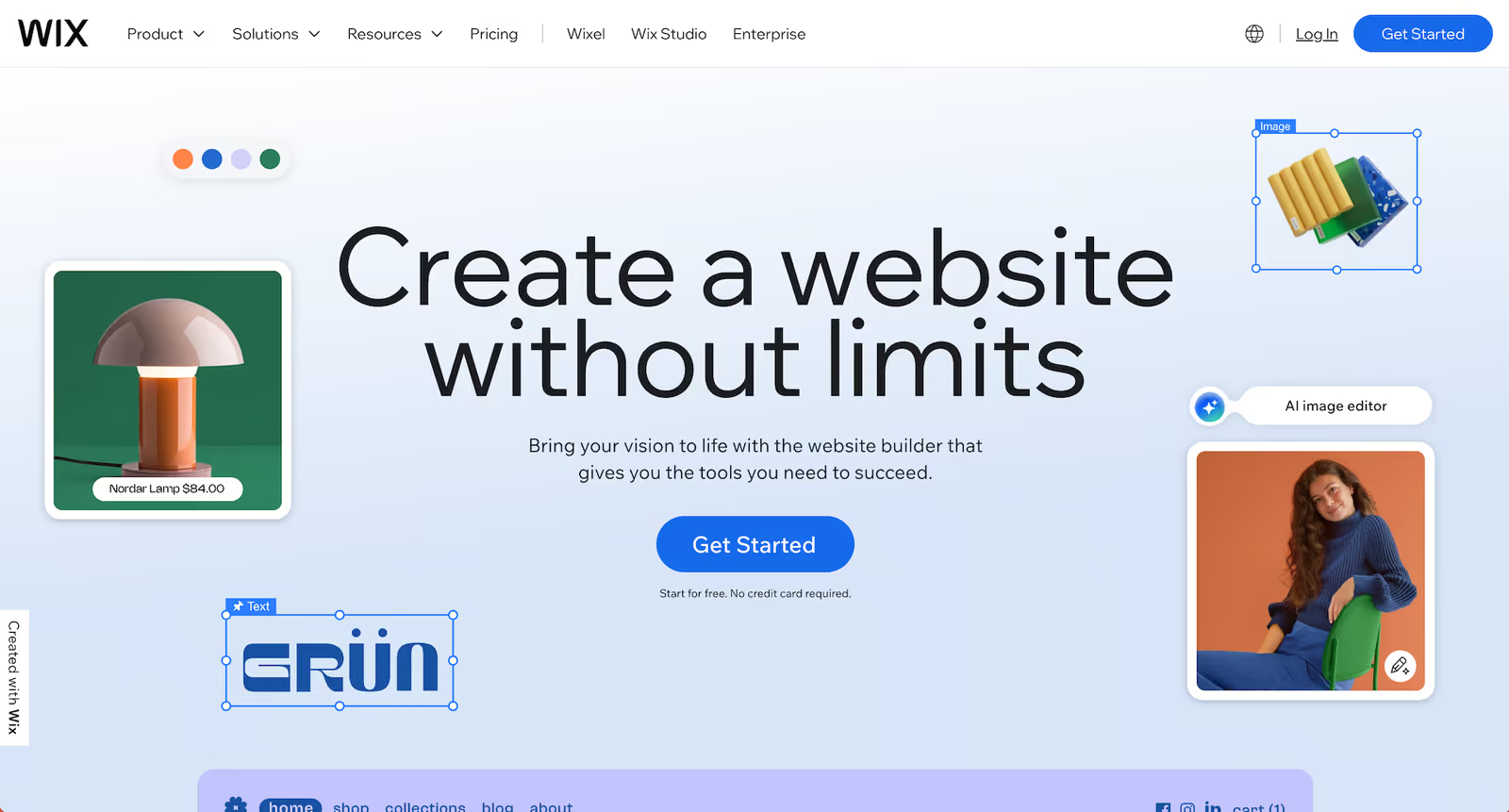
A no-code website builder from Israel that uses a drag-and-drop editor. You simply click and drag elements—text, images, buttons, entire sections—directly onto your page. This visual workflow makes it an excellent choice for beginners.
- Recommended for: Small business websites, event promotion pages, personal portfolios
Advantages of Wix
- Easy page creation with drag-and-drop
- Wide variety of design templates
- Supports interactive, animated websites
- In 2025: AI assistant “Astro” simplifies design and content creation
- E-commerce functions available (product management, order processing)
Disadvantages of Wix
- Templates cannot be switched after selection
- The large number of templates may be overwhelming
- Free plan is heavily limited and unsuitable for large-scale sites
👉Click here to learn more about the differences between Wix and STUDIO
3. STUDIO
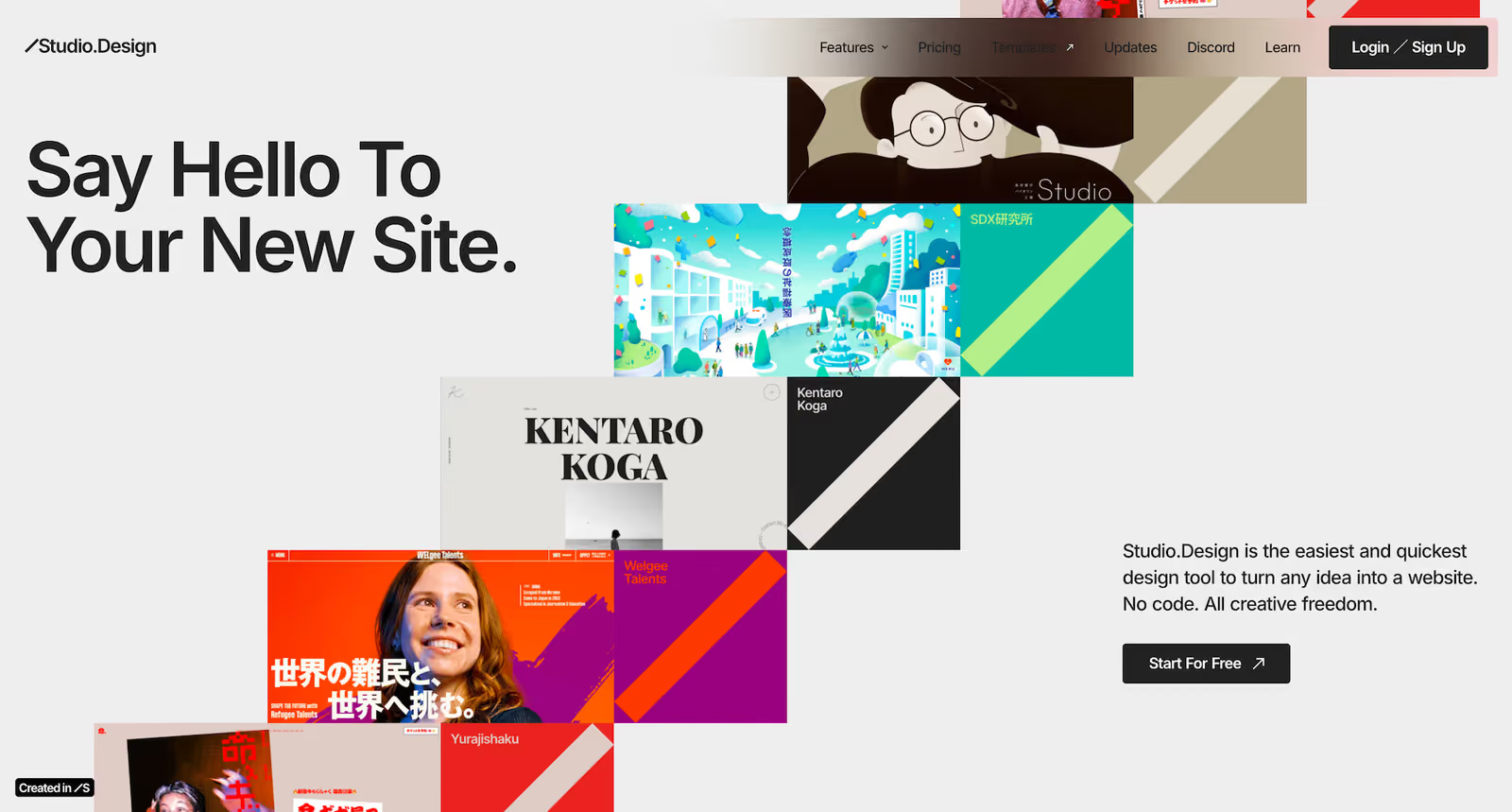
A Japan-based no-code tool known for its high design quality and user-friendly interface, especially popular among Japanese users.
- Recommended for: Design-focused portfolios, startup service sites, landing pages
Advantages of STUDIO
- Intuitive UI with video guides
- Collaborative editing for teams
- Detailed design and animation without CSS
- Strong SEO features and operation tools (e.g., automatic meta tag generation, Google integrations)
Disadvantages of STUDIO
- Does not allow HTML or code export
- Fonts are limited to those provided within STUDIO
- No built-in membership functionality
- No built-in e-commerce features
- Slightly less extensible compared to other tools, meaning it offers fewer options for integrating third-party plugins, APIs, or custom code. You also cannot add custom attributes or assign your own classes, which limits design and development flexibility.
👉Click here to learn more about the differences between Wix and STUDIO
👉Click here to read our comparison of Webflow and STUDIO
4. Webflow
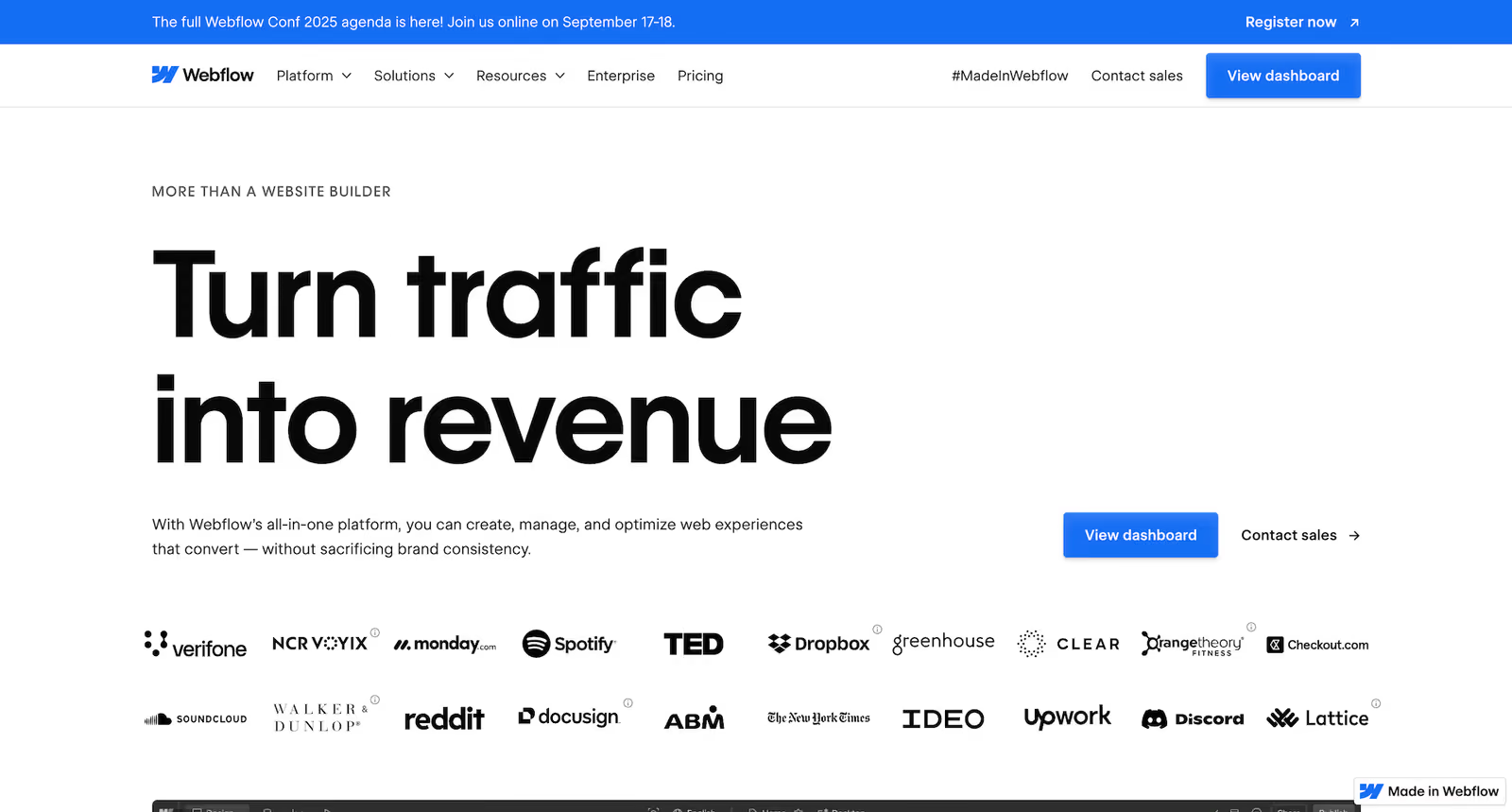
A popular no-code platform for professionals focused on both design and development. It gives you granular control over design elements—letting you build complex custom animations, responsive layouts, and precise styling using CSS Grid and Flexbox—all without writing a line of code.
- Recommended for: Advanced business websites, design-rich e-commerce, large-scale media platforms
Advantages of Webflow
Component-Based Design (Components)
By defining frequently used parts such as menus and footers as “components,” you can make an edit once and have it automatically applied across the entire site. This ensures efficiency and maintains design consistency.
Design Variable Management (Variables)
Colors, font sizes, spacing, and more can be managed as “variables.” Changing a variable updates all associated elements site-wide in one go, making this structure highly adaptable for rebranding or large-scale design updates.
Reusability with Libraries
Share components and variables across teams and projects to maintain brand consistency and make ongoing maintenance easier.
Scalability for Business Growth
Webflow is suitable for everything from small websites to large enterprise projects. You can start with the essentials and expand the site’s functionality as your business grows.
Code Export Function
Export your site’s HTML, CSS, and JavaScript for hosting on other servers or using in external environments.
Design and Animation Flexibility
In addition to advanced layouts using CSS Grid and Flexbox, Webflow offers native GSAP (GreenSock Animation Platform) integration, enabling advanced animations like ScrollTrigger and Flip without external setup.
AI Assistant & AI Site Builder (2025)
Use AI to automatically generate page structures, create CMS content, run A/B tests, and optimize site designs.
Figma Integration (Plugin Available)
Import designs created in Figma into Webflow, including components, variables, and other design system elements for a seamless workflow.
SEO and Performance-Optimized Structure
Webflow generates clean code without unnecessary JavaScript, resulting in faster load times and improved SEO performance.
Built-in E-commerce and CMS Functions
Includes robust e-commerce features and advanced CMS capabilities without the need for additional plugins.
AWS-Based Hosting
Hosted on AWS, providing secure, reliable performance with a global CDN (Cloudflare), built-in SSL, and high-speed delivery.
Templates (Themes)
Choose from a wide selection of free and paid templates to quickly create high-quality, responsive websites.
Developer Tools (API & MCP Server)
Automate workflows and integrate site or CMS data via Webflow’s official API. The MCP Server enables AI tools to access Webflow data in real time.
Official Learning Platform – Webflow University
A free official resource offering video courses, tutorials, interactive games (Flexbox Game, Grid Game, etc.), and certification programs.
Disadvantages of Webflow
- Steeper learning curve with many advanced features
- Interface and support are entirely in English
👉Click here to read our comparison of Webflow and STUDIO
👉Click here to learn why moving from WordPress to Webflow is recommended
What About Figma Sites?
Figma Sites is Figma’s built-in tool for publishing a website straight from your design. It’s genuinely good for simple landing pages and prototypes — an all-in-one, design-to-live workflow for designers and small teams. But it still lacks the CMS depth, multi-language, e-commerce, membership, and SEO / custom-code control a growing business site needs (much of it is still beta or unsupported).
Verdict: reach for Figma Sites when you want a fast design-to-site and the stakes are low. For a site that has to perform, rank, and scale, Webflow — or the other tools above — remains the stronger choice.
Tool Recommendation Guide: What’s Your Goal?
Each no-code tool has its strengths and weaknesses. The most important factor when choosing a tool is whether it matches your purpose and skill level.
”I want to publish a site quickly and easily!”
Choose Wix. Pick a template and launch your site in no time.
”I want a reliable Japanese service and great design freedom.”
Choose STUDIO. Its intuitive interface helps bring your design ideas to life.
”I want scalability and flexibility to grow my business!”
Choose Webflow. You can build a professional-grade site with powerful features.
Share Your Concerns About Choosing the Right Tool
Once built, a website often becomes a long-term asset. A poor choice at the beginning can limit future business development and waste time and money.
There’s no single “right” answer. Wix offers speed, STUDIO excels in design, and Webflow provides strategic advantages. The best tool depends on your business phase, your team’s skill set, and your future vision.
When Your Project Gets More Complex…
These tools are powerful, but some situations call for more—such as custom features, unique design requirements, or integration with other systems. If you find yourself at that point, getting an outside perspective can help you move forward with clarity.
We’ve helped many businesses navigate this stage, from refining their digital strategy to creating solutions tailored to their needs. If you’d like to explore ideas for your own project, you’re welcome to book a free consultation and have a relaxed conversation about your goals.
”I want scalability and flexibility to grow my business!”
Choose Webflow. You can build a professional-grade site with powerful features.
Share Your Concerns About Choosing the Right Tool
Once built, a website often becomes a long-term asset. A poor choice at the beginning can limit future business development and waste time and money.
There’s no single “right” answer. Wix offers speed, STUDIO excels in design and Japanese support, and Webflow provides strategic advantages. The best tool depends on your business phase, team’s skill set, and future vision.
At Supasaito, we’re more than just a website development company. We’re a strategic partner that understands your business goals and builds the optimal digital foundation to support your success.
With over eight years of experience and a globally skilled team, we guide you from tool selection to development and ongoing support with an eye on future growth.
To make your web development journey the best it can be, feel free to book a free consultation with us.