WordPress vs No-Code Website Builders (2026): Cost, Security, SEO
WordPress or a no-code website builder? A 2026 comparison of cost, security, maintenance and SEO, with current plans and limits for Webflow, Studio, Wix and Framer checked on their official pages, and a guide to choosing by purpose.
Table of contents
Should your website run on WordPress or on a no-code builder such as Webflow, Studio, Wix or Framer? Both can produce a fast, professional site. They differ in who does the maintenance, how you pay, and how far you can extend the site later.
This guide compares them on cost, security and maintenance, and SEO, then lines up the main no-code builders on their current plans and limits. Every price below comes from the vendor’s official page as checked on 9 November 2026; vendors change plans often, so check before you budget.
The short answer
- Choose WordPress if you need plugin-driven features (membership, complex e-commerce, booking), want to own and host the code yourself, and have someone to keep core, themes and plugins updated.
- Choose a no-code builder if your team wants to edit pages without a developer and would rather pay a plan fee than run servers, plugin updates and security patching.
- Either way, the platform doesn’t decide your search results. Content, site structure and ongoing work do.
WordPress vs no-code builders at a glance
| WordPress (self-hosted) | No-code builders | |
|---|---|---|
| What you get | Free, open-source software you install on a host | A hosted service: editor, hosting and updates in one subscription |
| Hosting and updates | You (or your host or agency) handle core, theme, plugin and server updates | The vendor runs the platform and its updates |
| Extending the site | Very large plugin and theme ecosystem | Built-in features, apps and integrations, custom code within limits |
| Security work | Mostly plugin and update discipline | Platform security is the vendor’s job; accounts, integrations and form data are yours |
| Design control | Depends on the theme or page builder | Visual editing; how much control varies by builder |
| Cost structure | Hosting, domain, optional paid themes and plugins, maintenance time | Monthly or yearly plan per site, plus seats or add-ons on some builders |
| Moving away later | Your files and database are portable | Export options vary and are often limited |
What is WordPress?
WordPress is an open-source content management system (CMS). The software is free; you install it on a web host and extend it with themes (design) and plugins (features). According to W3Techs, WordPress runs 39.4% of all websites, which is 58.1% of the sites whose CMS W3Techs can identify (9 November 2026). For comparison, the same survey puts Wix at 4.2% and Webflow at 0.8% of all websites.
Strengths of WordPress
- Extensibility. Themes and plugins cover almost any feature, and with HTML, CSS and PHP skills you can customize everything.
- Built for publishing. Posts, categories and tags make it a natural fit for blogs and news sites.
- Ownership and portability. You control the code and the database, and you can move them to another host.
Weaknesses of WordPress
- Setup. You need hosting and a domain, then a theme and plugins configured before you start.
- Skills. Deeper customization usually needs HTML, CSS and PHP.
- No single vendor support. Help comes from your host, your theme or plugin vendors, or the community.
- Maintenance and security. Every plugin is another thing to update. The risk comes mainly from plugins and themes, not from core (see the security section below).
WordPress and AI in 2026
WordPress 7.0, released in May 2026, added an AI Client to core that lets WordPress connect to generative AI models, with connections managed from a central Connectors screen, and builds on the Abilities API for automation. Installing the separate AI plugin adds tasks such as generating and editing images, drafting titles and excerpts, and suggesting alt text. W3Techs reports that 68.6% of WordPress sites already run version 7. Note that these features rely on an AI provider you connect yourself.
Already running a WordPress site and feeling the maintenance burden? See our decision guide, Should You Migrate from WordPress to Webflow?, on when to switch, what it costs and how to protect your redirects and metadata.
What are no-code website builders?
No-code builders are hosted services that let you design and publish a site without writing code. You work in a visual editor, start from a template or a blank canvas, and the vendor provides hosting, security updates and the platform itself.
Strengths of no-code builders
- Visual editing. Marketing teams can change pages without waiting for a developer.
- No servers to run. Hosting, SSL and platform updates come with the plan, so you can start right after signing up.
- One vendor to contact. Support comes from the company that runs the whole platform.
Weaknesses of no-code builders
- Platform limits. You work within what the builder supports; complex custom features may need integrations or custom code, or may not be possible.
- Plan limits. Free plans are for trying things out. Custom domains, CMS item counts, page counts and team seats depend on paid plans.
- Lock-in. Leaving can be hard. Webflow can export HTML and CSS on a paid Workspace plan, but CMS content can’t be exported that way. Studio doesn’t offer HTML export. Wix sites must run on Wix’s servers. Check the export policy before you commit.
Comparing the main no-code builders: Webflow, Studio, Wix and Framer
Plans as listed on each vendor’s official pricing page on 9 November 2026. Studio bills in yen; Webflow and Framer in US dollars; Wix prices vary by country, so the Wix figures below are the US-dollar reference prices on wix.com. Prices exclude tax.
| Webflow | Studio | Wix | Framer | |
|---|---|---|---|---|
| Free plan | Starter: webflow.io domain, 2 static pages, 50 CMS items | Free: 50 pages, 3 CMS models, 100 CMS items, no custom domain | Free plan with Wix branding | Free: Framer domain, 1 GB bandwidth, 500 AI credits to try |
| Entry paid plan | Basic: $15/mo billed yearly ($25 monthly); custom domain, 300 static pages, no CMS | Mini: ¥590/mo billed yearly (¥1,290 monthly); custom domain, 2 pages | Light: $17/mo billed yearly; free domain for 1 year, 2 GB storage | Basic: $10/mo billed yearly; custom domain, 30 pages, 1,000 CMS items |
| Plan for a blog or CMS site | Premium: $25/mo billed yearly ($39 monthly); 20,000 CMS items, 40 Collections | Business: ¥3,980/mo billed yearly (¥5,460 monthly); 300 pages, 10 CMS models, 5,000 items | Business: $39/mo billed yearly; 100 GB storage, payments and eCommerce | Pro: $30/mo billed yearly; 150 pages, 10 CMS collections, 2,500 items |
| Team members | 1 full seat included; extra full seats $39/mo, limited (content) seats $15/mo, billed yearly | Unlimited invited users on every plan | 2 to 100 site collaborators depending on plan | Extra editors $20/mo, content editors $10/mo, viewers free |
| Multilingual | Webflow Localize add-on from $9/mo billed yearly (up to 3 locales) | No built-in multilingual; separate pages per language or translation plugins | Wix Multilingual (not yet in the new Wix Harmony editor) | Translation locales add-on, $20 per locale, up to 20 |
| AI features | Webflow AI on every site plan, including building a site from a prompt; Workspaces include 200 to 400 AI credits a month | Editor AI: image editing, text generation and translation, automatic layer renaming | AI creation tools on all plans; Wix Harmony editor with the Aria AI agent (launched January 2026) | AI agents that use monthly AI credits (1,000 on Basic) |
A few points the table can’t show:
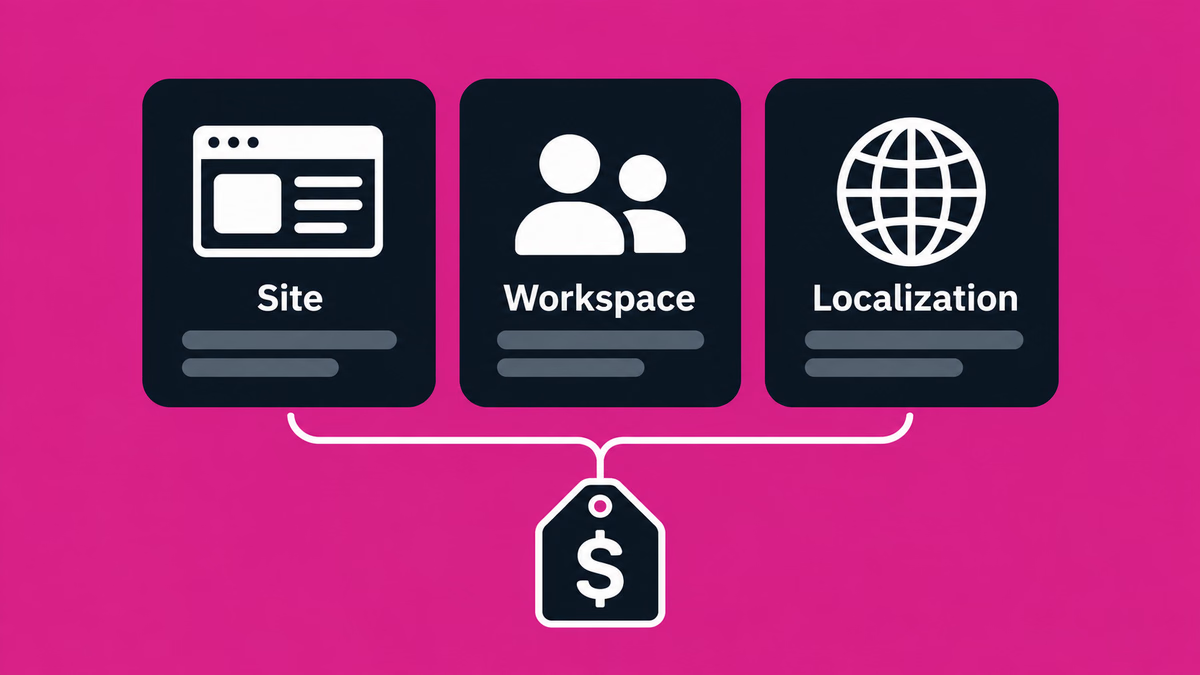
- Webflow separates Site plans (per site) from Workspace plans (team and staging). Since its May 2026 pricing change, CMS sites start on Premium. Our Webflow plans and pricing guide walks through every tier.
- Studio is a Japanese builder with an interface in Japanese and English. Its Business Plus plan (¥9,980/mo billed yearly) raises CMS items to 15,000 and adds a 30-day activity log and priority support.
- Wix is rolling out Wix Harmony gradually alongside the classic Wix Editor. Wix positions Wix Studio, a separate product, for projects that need custom CSS, advanced layouts or code.
- Framer sells usage add-ons above the plan limits, such as extra pages, CMS items and bandwidth on Pro.
Cost: what you actually pay
WordPress
The software costs nothing. You pay for hosting, a domain, any premium themes or plugins, and, above all, the time someone spends on updates and fixes. As a reference point for managed WordPress hosting, WordPress.com lists its Personal plan at US$4 a month billed yearly (US$9 monthly) and its Business plan at US$25 a month billed yearly (US$40 monthly). Self-hosted prices vary widely by host.
No-code builders
You pay a plan fee per site, plus seats or add-ons on some builders. For a business site with a blog, expect the CMS tier rather than the cheapest plan: for example, Webflow Premium at $25 a month billed yearly, Studio Business at ¥3,980 a month billed yearly or Framer Pro at $30 a month billed yearly. Add Webflow Workspace seats or Framer editor seats if several people edit.
Building the site
Platform fees are only part of the cost. If a partner designs and builds the site, that is a separate, one-time project fee, and the vendor’s plan fee is still paid to the vendor. Our foundation projects start from $6,300 (¥1,000,000); see our pricing page for what decides the final quote.
Security and maintenance
WordPress. The core is rarely the weak point. In Patchstack’s report on 2025, 91% of the 11,334 new vulnerabilities found in the WordPress ecosystem were in plugins and 9% in themes, and only 6 were in core, all low priority. Patchstack puts the median time to mass exploitation of heavily exploited vulnerabilities at 5 hours, and 46% of vulnerabilities had no fix from the developer by the time they were publicly disclosed. A WordPress site is as safe as its plugin list and its update routine.
No-code builders. The vendor patches the platform, hosting and SSL, and there is no plugin code on your own server to keep updated. Your team still owns account access, connected apps, custom code and the data your forms collect. Hosted platforms are not immune: Studio disclosed that a third party exploited a vulnerability to access its cloud environment between 30 September and 1 October 2026, fixed it on 13–14 October, and is handling the affected data as if it had been taken, although it has not confirmed that it was. On a hosted builder you can’t patch the platform yourself, so the vendor’s security practices and incident communication are part of the choice.
SEO and AI search
Neither option ranks a site by itself. The same fundamentals apply to both:
- Crawlable, indexable pages. Google’s AI features use the same Search eligibility as regular results: a page must be indexed and eligible for snippets, and eligibility still doesn’t guarantee it will be shown or cited.
- Text in the HTML. ChatGPT, Claude and Perplexity fetch pages without running JavaScript, so keep essential text in the HTML the server delivers rather than only in client-side scripts. Check this on whichever platform you choose.
- No special markup required. Google’s AI features need no special schema, and an llms.txt file is not a ranking requirement. Use structured data where it supports a search feature or clarifies who you are.
On WordPress, SEO settings usually come from the theme and an SEO plugin. The no-code builders above include metadata, sitemaps and redirects as built-in features: Webflow adds 301 redirects and schema markup on paid site plans, Studio includes 301 redirects and Search Console integration, and Framer includes site redirects. If AI search matters to your business, see our AI search optimization (AIO) services.
Which should you choose? By purpose
Blogs and content-heavy sites
WordPress remains a strong fit, especially if you rely on publishing plugins. On a builder, plan for the CMS tier and check the item limits against your archive: 20,000 items on Webflow Premium, 5,000 on Studio Business, 2,500 on Framer Pro.
Corporate sites and landing pages
A no-code builder usually fits best: marketing can edit pages directly, and there’s no server to maintain. Webflow, Studio and Framer all suit design-led sites; Studio is the natural choice if your team works only in Japanese.
Online stores
WordPress with an e-commerce plugin is the most flexible. Among builders, Wix includes payments and eCommerce from its Core plan, and Webflow sells separate Ecommerce plans from $29 a month billed yearly. Studio has no built-in cart or payments, so you would connect an external service.
Multilingual sites
Webflow (Localize add-on), Framer (locale add-on) and Wix (Wix Multilingual) offer native options. Studio has no built-in multilingual support, so each language needs its own pages.
Moving off WordPress
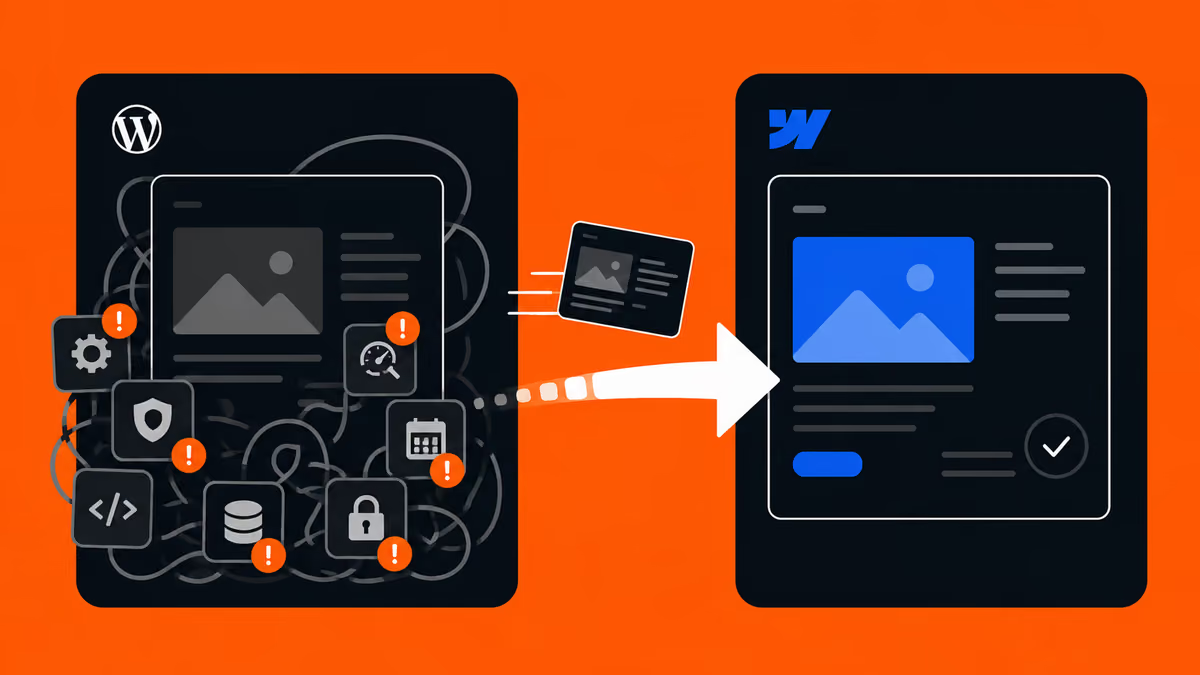
If you already run WordPress and want your team to edit without a developer, we offer a WordPress to Webflow migration service and support for moving from WordPress to other no-code builders. Plugins don’t carry over, so each one is replaced, rebuilt or retired, and redirects are planned before launch.
FAQ
- Is WordPress really free?
-
The software is free and open source. A working site still costs money: hosting, a domain, any paid themes or plugins, and the time spent on updates and security. Managed hosting such as WordPress.com starts at US$4 a month billed yearly.
- Are no-code builders worse for SEO than WordPress?
-
Not inherently. Search engines care whether pages can be crawled and indexed and whether the content answers the query. The builders above provide metadata, sitemaps and redirects; WordPress usually does this through an SEO plugin. For AI search, make sure your main text is in the HTML the server delivers.
- Which no-code builder is cheapest?
-
It depends on what you need. For a small site with a custom domain, the entry plans on 9 November 2026 were Studio Mini at ¥590 a month (2 pages), Framer Basic at $10, Webflow Basic at $15 and Wix Light at $17 (US reference price), all billed yearly. Once you need a blog or many pages, compare the CMS tiers and their item limits instead.
- Can I move from WordPress to a no-code builder later?
-
Yes. Pages and CMS content can be rebuilt and imported, but plugins don’t transfer, and old URLs need 301 redirects to their new addresses. A careful migration is designed to preserve redirects and metadata; no one can guarantee rankings afterwards. See our WordPress to Webflow migration service for how we plan it.
Summary
WordPress gives you maximum flexibility and ownership in exchange for ongoing maintenance. No-code builders trade some flexibility for visual editing and a platform someone else runs. Decide what the site must do, who will update it and who will maintain it, then compare the specific plans. If you want a second opinion, our Webflow development team can help you choose and build.
Sources
Checked on 9 November 2026.
- Market share: W3Techs, WordPress usage statistics and CMS market share overview
- WordPress: WordPress 7.0 “Armstrong” release, WordPress.com pricing
- Security: Patchstack, State of WordPress Security in 2026, Studio, notice on unauthorized access (Japanese)
- Webflow: Pricing, Simplified plans and updated pricing (May 2026)
- Studio: Pricing (Japanese), Editor AI (Japanese), Language settings, Multilingual sites, HTML and code export, Payments and carts (Japanese)
- Wix: Plans, Wix Harmony and Aria, Exporting a Wix site
- Framer: Pricing