Comparing Webflow and Framer – Which No-Code Tool Is Right for You?
This in-depth article compares Webflow and Framer, two leading no-code tools used globally (especially outside Japan) to manage websites without traditional coding.
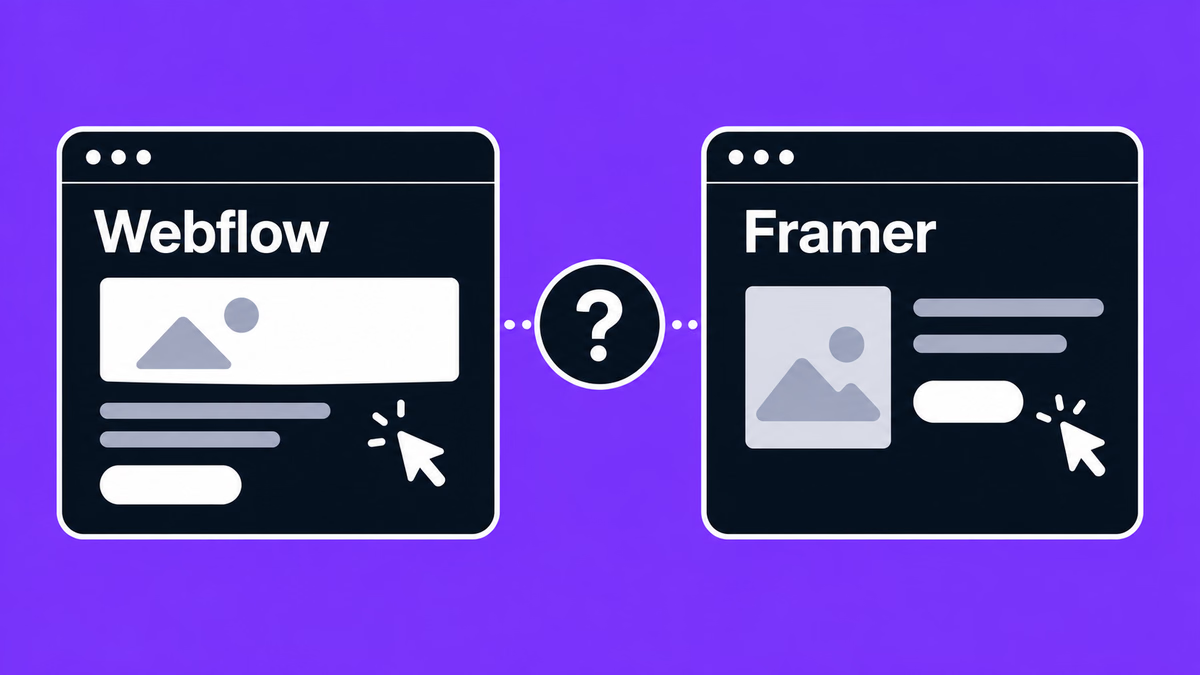
Table of contents
In this article, we compared Webflow and Framer, two no-code tools that are highly valued overseas.
Running your company’s website with a no-code tool offers significant advantages for business growth—for example, faster updates, easier testing, quicker improvements through analytics, and simpler management.
Freelance designers can also develop websites faster than before since no coding is required.
There are many no-code tools such as WordPress, STUDIO, Webflow, and Framer, but questions often arise: What can each tool do, and what can’t it do? Which one should I use? Should I choose STUDIO with Japanese support, or the globally popular Webflow or Framer?
No one wants to waste time trying out a tool only to realize it doesn’t fit their needs.
This article compares Webflow and Framer to help you make an informed decision.
Comparing Webflow and Framer
First, let’s look at the basic differences.
Webflow is a no-code platform that allows you to build responsive websites without writing a single line of code. It lets you visually create HTML/CSS and JavaScript. With basic coding knowledge, you can create websites exactly as designed. Moreover, Webflow gives you detailed control over publishing, security, and overall site performance.
Framer is a no-code design platform useful for creating prototypes for apps and websites. Similar to Figma or STUDIO, Framer allows you to design visually and then convert designs into code. It also integrates with tools like Photoshop and Figma, making project conversion simple. Framer, which is ISO 27001 certified, is a popular choice among many IT companies and organizations.
Pricing Plans
Webflow Pricing
You can start building a site for free on the Starter plan and publish it to a webflow.io subdomain.
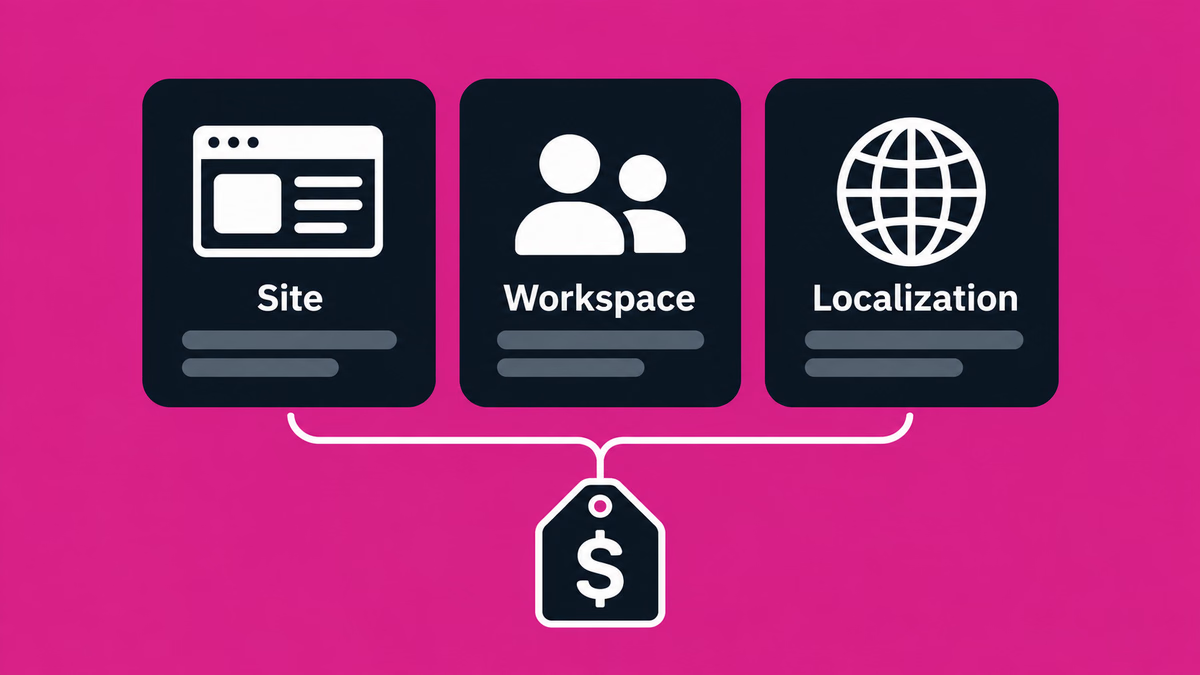
To publish on your own domain, you choose a Site plan for each site. In the May 2026 pricing update, the CMS and Business plans were merged into a single Premium plan (as of November 2026, USD, excluding tax):
- Basic – For simple sites that don’t need a CMS ($15/month billed yearly, $25/month billed monthly)
- Premium – For content-driven sites that use the CMS ($25/month billed yearly, $39/month billed monthly)
- Team – A higher-tier plan on an annual contract only ($2,500/month)
- Enterprise – For large companies (custom quote)
Webflow also offers Workspace plans for teams. Core costs $19/month and Growth $49/month, billed yearly. To add members, you buy full seats ($39 per seat/month billed yearly) or limited seats ($15 per seat/month).
For freelancers and agencies there are the Freelancer ($16/month billed yearly) and Agency ($35/month billed yearly) plans.
Webflow also provides three Ecommerce plans, which were not changed in the update:
- Standard – $29/month billed yearly (plus a 2% Webflow transaction fee)
- Plus – $74/month billed yearly
- Advanced – $212/month billed yearly
When existing sites move to the new prices, and each plan’s limits, are covered in our Webflow pricing guide. You can also check current prices on Webflow’s official pricing page.
Framer Pricing
Like Webflow, Framer offers a free plan. It lets you publish on a free Framer domain with 1 GB of bandwidth a month, and includes 500 AI credits to try Agents. Connecting a custom domain requires a paid plan.
There are three paid site plans (as of November 2026, monthly price on yearly billing, USD, excluding tax):
- Basic – For personal sites and small studios (from $10/month): 30 pages, 2 CMS collections, 1,000 CMS items, 50 GB of bandwidth a month and 1,000 AI credits a month
- Pro – For growing professional sites run by agencies, startups and scale-ups (from $30/month): 150 pages, 10 CMS collections, 2,500 CMS items, 100 GB of bandwidth a month and 3,000 AI credits a month, plus redirects, a staging environment and branching
- Enterprise – Custom quote: custom limits, unlimited editors, SSO, SCIM and an uptime guarantee
The price depends on how many AI credits you choose. Yearly plans include a complimentary custom domain. On Pro, you can buy more pages, CMS capacity and bandwidth (up to 700 pages, 40 CMS collections, 40,000 CMS items and 2 TB of bandwidth a month). You can go over the bandwidth limit for one month, and Framer notifies you by email.
For collaboration, the workspace owner and viewers are free. Editors who can design and publish cost $20 per editor per month, and content editors who only update the CMS and localization cost $10 per editor per month. Basic and Pro allow up to 10 users with edit access.
Localization is an add-on: you can add up to 20 AI-translated locales at $20 per locale per month. AI credits are used by Agents, localization and other AI features, and are shared across the workspace. Other add-ons include Convert for A/B testing ($50 per 500,000 events a month) and Advanced hosting for custom headers and rewrites ($200 a month).
See Framer’s official pricing page for current prices.
How They Work
Webflow
Webflow lets you create advanced websites using HTML5, CSS, and JavaScript without coding. It’s designed to be intuitive, so even those without coding knowledge can build sites using templates and simple drag-and-drop actions.
Webflow automatically converts your designs into clean code. You can also add custom code for further personalization. With just one click on the Publish button, your site is live worldwide.
Framer
Framer combines a design tool and website builder, integrating smoothly with other design software. One key difference: unlike Webflow, Framer doesn’t use classes, meaning you’ll need to build each layout individually—similar to Japan’s STUDIO.
Customer Support
Did you know developers spend up to 50% of their time debugging? Development is tough, and hitting roadblocks can be stressful. Even with no-code tools, you’ll sometimes get stuck—so reliable support is crucial.
Webflow Support
- Email support (responses may take up to 2 days)
- A community forum for user interaction
- Webflow University: a learning hub with tutorials from beginner to advanced, including high-quality video resources
The Japanese user base is also growing, with more articles available on troubleshooting. We’ve even created some guides and videos ourselves.
Framer Support
While not offering 24/7 support, Framer provides help in three ways:
- Contact Form – for issues or feedback
- Discord Community – where users exchange project advice
- Email Support – for account and billing questions
There are also many free tutorial videos available.
Limitations
Webflow
Compared to other no-code tools, Webflow has a steeper learning curve and requires some technical knowledge. However, once mastered, it offers significant benefits:
- High-performance websites optimized for SEO
- Better performance than WordPress
- Flexibility to add advanced features with custom code or third-party integrations
For those with coding experience, Webflow can be incredibly appealing.
Framer
Building a fully functional site may involve encountering bugs. Since Framer is relatively new, there’s limited information available—especially in Japanese—so you’ll often rely on its community for answers.
Conclusion
Both Webflow and Framer are excellent no-code website builders.
- For building complex, high-performance websites, Webflow is the stronger option. You can fully utilize HTML, CSS, and JS with a simple visual interface and publish globally in seconds.
- For creating interactive prototypes for mobile apps or websites, Framer is highly recommended.
Sources
Webflow and Framer pricing checked on November 9, 2026.