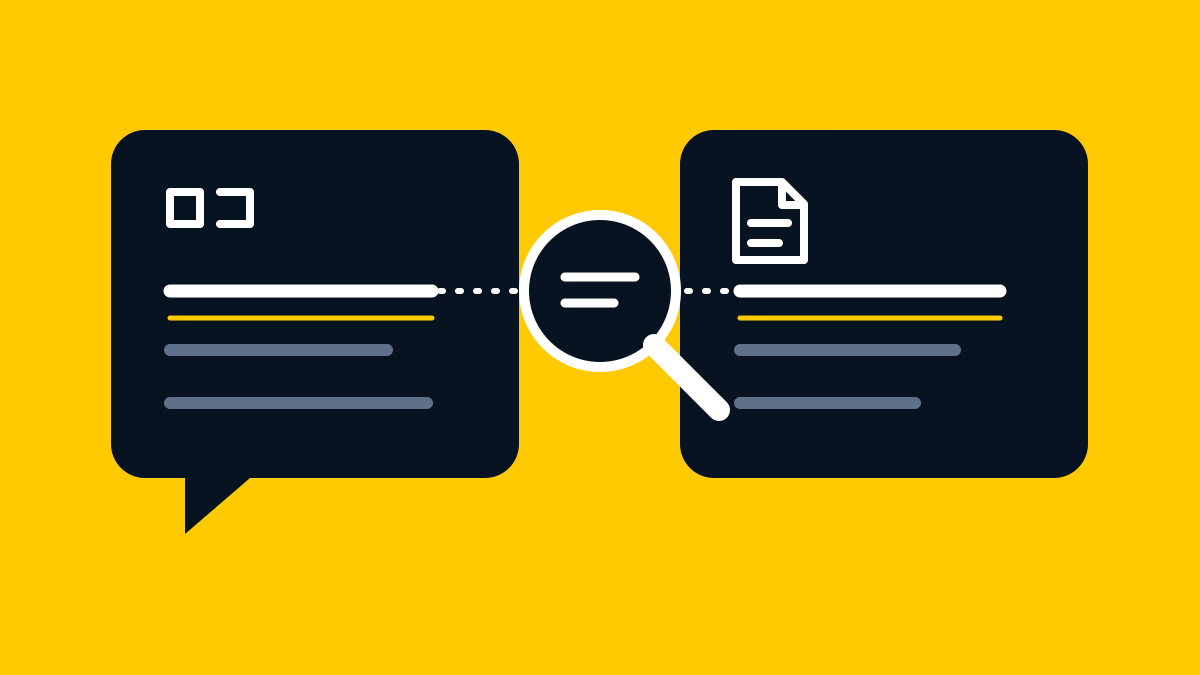
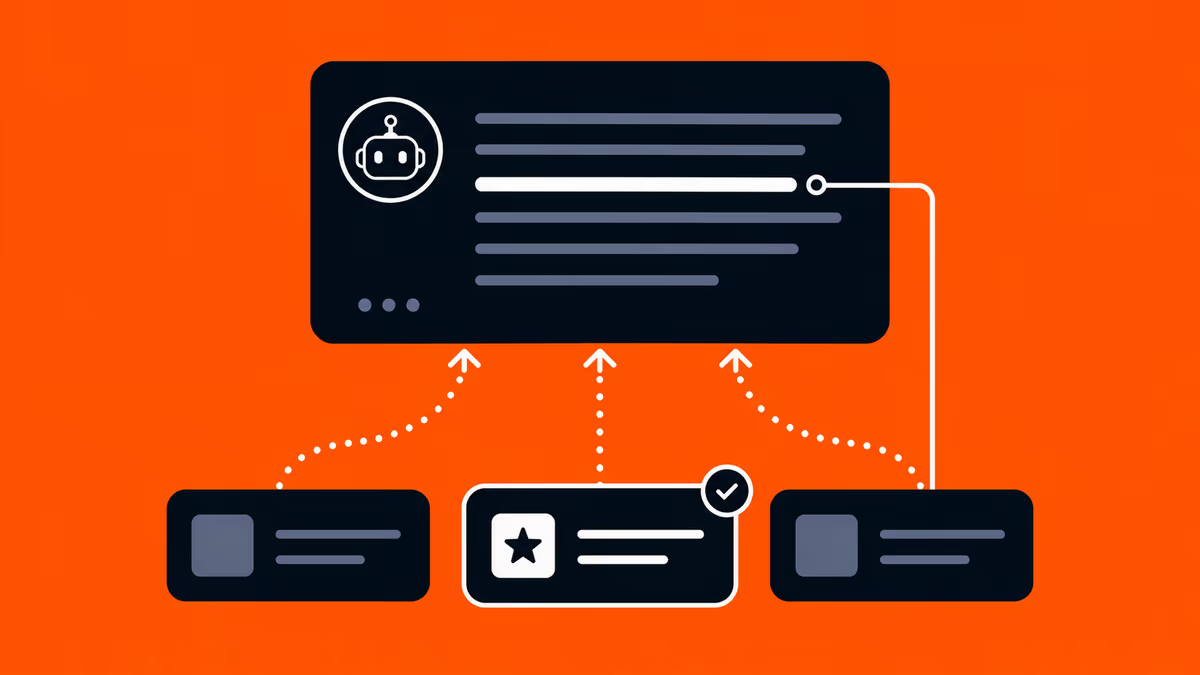
How do AI assistants find information on the web?
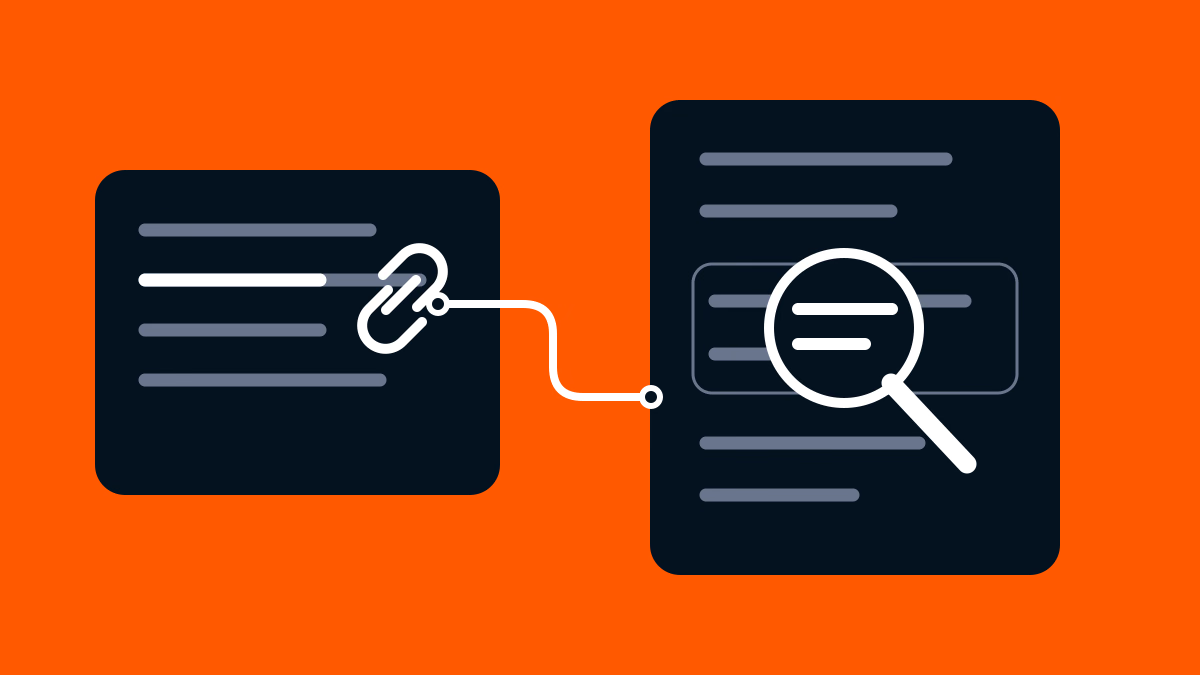
You ask an AI assistant to compare two software suppliers. Imagine its answer includes a link to a pricing page and another to a general company overview.
What do those links tell you? The pricing page might support a claim about cost. The company overview might simply offer more information about the supplier. To check the answer, open each page and find the information behind the specific claim.
First, identify which product you used and whether its web-search feature was active. Then separate what you can see in the answer from what the provider says the product can do.
Start with the product and mode, not just the model name
These names refer to different things. OpenAI is a provider; ChatGPT is its product. Anthropic is another provider; Claude is its product.
The model is the system that generates the response. GPT-4o, documented by OpenAI, is a concrete example of a model name. This naming example does not tell you which model is currently available or running in your ChatGPT conversation. When an interface shows a model selector, record the name displayed there.
A mode or tool describes how you are using the product. For example, asking ChatGPT to search the web differs from giving an assistant a specific page to read.
Those labels help you ask a more precise question: did this answer use a documented web-search capability? A model name by itself is not evidence that a particular response searched the web.
For example, OpenAI documents that ChatGPT may search automatically when a question would benefit from current information. It can also turn a request into one or more targeted search queries. That is a description of ChatGPT search, not a rule that every AI answer searches.
Keep a short note alongside the answer. Record the product, date, model name and whether search activity was visible. If the interface does not show the model version, write “Model version: not shown”. If you cannot tell whether a search ran, write “Search activity: not confirmed”.
Separate finding information from using it
Three terms help explain the work involved:
- Search: looking for relevant information—for example, asking an assistant to find suppliers that meet your requirements.
- Retrieval: obtaining content to work with—for example, reading the pricing page whose URL you supplied.
- Synthesis: using available information to compose an answer—for example, explaining the pricing conditions in a short comparison.
These are useful distinctions, not a diagram of one fixed internal design. Finding a page, obtaining its content, using information in an answer and showing a link are different questions.
Search and retrieval are particularly easy to confuse. Asking an assistant to find relevant pages differs from giving it a specific URL to read. Anthropic’s documentation describes Claude’s web search and a related capability called web fetch, which retrieves content from a supplied URL. If you paste a supplier’s pricing-page URL and ask Claude to explain it, you have chosen the page for Claude to read. That differs from asking Claude to find and compare suppliers on the web. Reading the page you supplied does not tell you which pages Claude would select during a search.
Find information
“Find suppliers that meet these requirements.”
You ask the assistant to look for relevant pages.
Read a chosen page
“Read this pricing-page URL and explain the conditions.”
You choose the page the assistant is asked to read.
This compares the reader's requests. It does not show a fixed internal pipeline or prove which tools ran.
What you can check in each product
This comparison summarises provider documentation checked on 14 October 2026. It helps you inspect an answer; it is not a ranking of answer quality.
| Product or feature | What it can do | A useful check |
|---|---|---|
| ChatGPT search | It may search for current information and turn your question into search requests. It can show citations and other relevant links. | Is the link attached to the claim you are checking, or listed as further reading? |
| Claude web search | It can find current web information. It can also read a page whose URL you provide. | Did you ask Claude to find information, or give it a particular page to read? |
| Gemini Apps | Some answers include sources or related links; others do not. | Open the link and look for the information that supports the specific claim. |
| Google AI Overviews and AI Mode | They may run several related searches to develop an answer. The two features can show different answers and links. | Record which feature produced the answer before comparing its results with another response. |
If a Gemini response has no source links, write “No source links shown” in your notes. That tells you what was displayed, not which internal steps took place.
A question about choosing a supplier can involve several topics: price, features and support. Google’s AI features may search across related topics while developing an answer. Google calls this “query fan-out”. The term describes a possible search technique; it does not show you every search used in the answer you received. Nor does covering one of those topics guarantee that a page will be selected.
A source link is the start of a check
Imagine an answer says: “Supplier A offers support in Japanese.”
The attached link opens Supplier A’s company page. In this fictional example, the page says the company serves customers in Japan, but says nothing about the language of its support team.
That page does not establish the claim. Serving customers in Japan and offering Japanese-language support are different things. Look for a passage that explicitly describes the support language. If you cannot find one, record “The linked page does not support the claim about Japanese-language support”. Check the page’s date and any conditions attached to its statement too.
Fictional example
AI answer
“Supplier A offers support in Japanese.”
The claim concerns the support language.
Linked page
“Supplier A serves customers in Japan.”
The passage concerns where customers are served.
Next check: find a passage that explicitly states the support language. The missing support here does not prove the claim is false.
Also look at where the link appeared. A citation beside a sentence and a related link below the response can have different roles. Neither should be treated as proof that every other statement is supported.
OpenAI’s source guidance recommends checking support, currency and authority because search results and citations can be incorrect or outdated. Checking whether a passage supports a claim and checking whether the claim is factually correct remain separate tasks.
If you cannot access the page, record that the support could not be checked. That is a limit on your verification, not a finding that the source is false.
What this means for a website
A website owner needs to distinguish access and eligibility from actual inclusion in an answer.
For Google’s AI Overviews and AI Mode, Search Central says a supporting page must be indexed and eligible to appear in Search with a snippet—the text excerpt shown with a result. It specifies no extra AI-only technical requirements and does not guarantee inclusion. OpenAI likewise does not guarantee a website’s placement in ChatGPT search.
Technical access therefore answers one question; whether a page appeared in a particular answer is another. Our guide to AI crawler access and page rendering explores the technical side separately. It should not be read as a promise of citations.
Keep a record you can inspect
For an answer you want to assess, retain:
- the exact question;
- the product, mode, language and date;
- the model or version, if available;
- any visible search activity;
- the claim you are checking and the link shown with it;
- the supporting passage, its date and the limits of what you could verify.
This is a practical reading method, not a provider’s internal validation procedure. It lets you distinguish an observed response from a guess about how the system works.
When comparing answers over time, keep their collection conditions visible too. Our AI visibility measurement guide explains how those conditions affect the interpretation of a score.
Start with the specific answer in front of you. Identify its product and mode, inspect the linked evidence, and keep unknown steps unknown. That gives you a more useful account of web information in AI answers than assuming every assistant follows the same route.