Chatbot, automation or AI agent: what changes in everyday work?
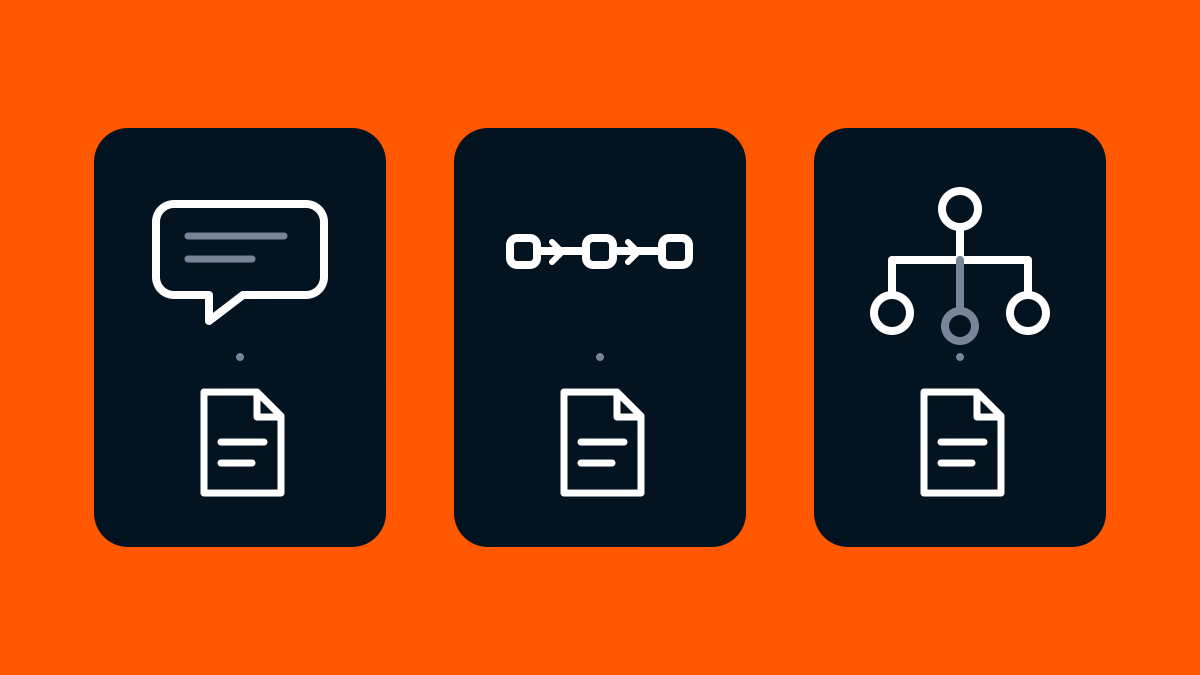
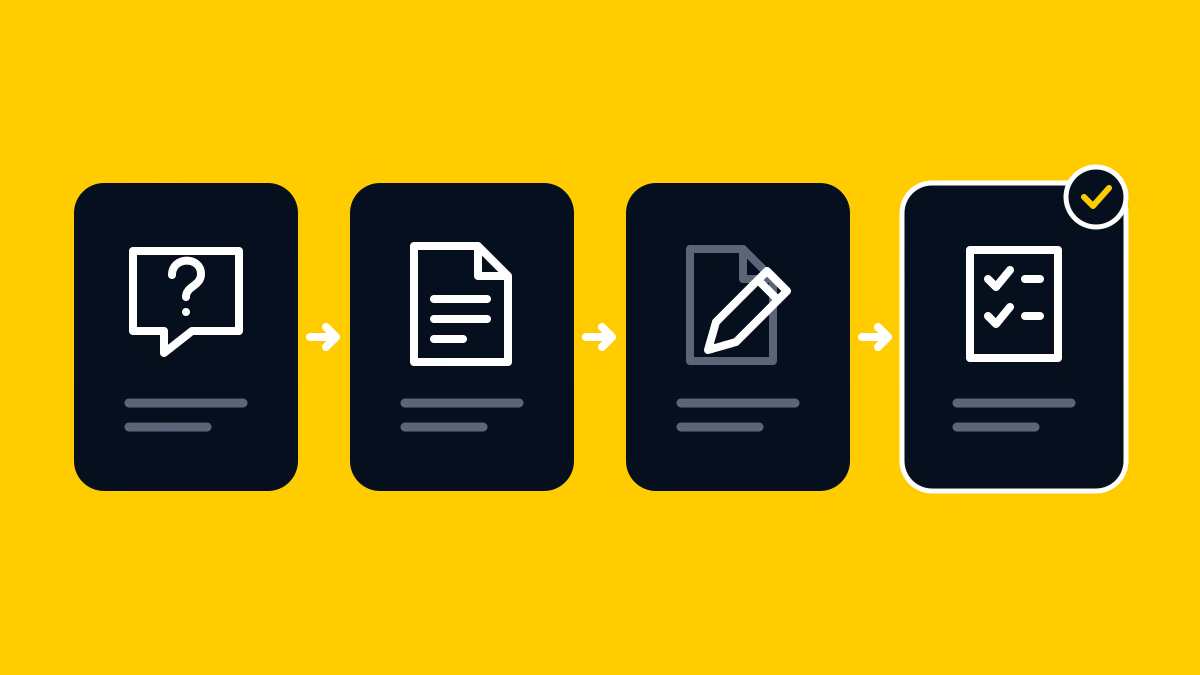
When a blog article contains outdated instructions, you can ask AI for replacement wording, run a predefined process or delegate some decisions to an agent. To understand the difference, follow the same correction through each arrangement: who chooses the next step, what gets saved and who approves it.
The quote-request guide still says “send an email”
Here is a fictional example involving a consultancy that helps companies improve their business processes. The article, internal message and proposed wording are invented for this explanation. They are not events from Supasaito or a real client.
The consultancy has a blog guide called “What to prepare before requesting a quote”. It tells prospective customers to gather their company name, a description of the work and their preferred timing.
The consultancy used to receive quote requests by email. It has now launched a quote-request form, but its blog guide still tells readers to send an email. The sales lead notices the mismatch and asks the marketing person to fix it.
The passage currently in the article
To request a quote, email us your company name, a description of the work you need and your preferred timing.
The note from the sales lead
Please change the instructions to direct quote requests to the form that is already live. It asks for the company name, a description of the work and preferred timing. Only the request method needs updating; leave the rest of the guide alone. Prepare the revision and an English LinkedIn post introducing the article. I will review both before publication.
The requested change is small and specific: tell readers to use the form instead of email, while keeping the list of information they need to prepare. The sales lead has not asked for a complete rewrite.
Now use those same materials and that same intended correction to compare the work.
In a chat, a person connects the steps
First, imagine using a chat without tools connected to the website editor. The marketing person pastes in the old passage and the sales lead’s note. They ask for replacement wording and an English LinkedIn draft.
Suppose the chat returns this draft. It is suggested wording, ready for someone to check and save in the article.
The replacement suggested in chat
To request a quote, enter your company name, a description of the work you need and your preferred timing in the quote-request form.
The marketing person compares this sentence with the sales lead’s note: the request method has changed, while the information to prepare remains the same. They then open the article editor, replace that paragraph and save a draft.
They save the LinkedIn wording separately and ask the sales lead to review both.
In this arrangement, the chat has produced text. The person carries it into the other working tools. Seeing the new sentence in the conversation does not establish that it has been saved in the article.
A predefined workflow follows a route someone has set
For the second version, suppose the team sets up this route in advance:
- Read the specified article passage and approved correction note.
- Use AI to prepare the replacement and an English LinkedIn draft.
- Save the drafts in specified locations.
- Request the sales lead’s review and wait without publishing.
A workflow is the arrangement of these steps. Here, a person has already specified the paragraph, destinations and reviewer. AI writes within that route.
Make’s scenario guide describes predefined workflows that contain AI steps. Using AI to write something does not necessarily give it control over the whole process.
The sales lead opens the saved article draft. They check that the form instruction has replaced the email instruction and that other passages have not changed. A record that the process finished does not, by itself, establish that the wording is correct.
An agent can choose some intermediate actions
For the third version, suppose the marketing person also wants to delegate finding the passage that needs changing.
They give an agent the whole article and the sales lead’s note. They connect tools: functions that let the system do something, such as read the article or edit a draft.
In this setup, the agent may inspect the article, identify the paragraph directing readers to email and save a proposed correction. In the predefined version above, a person specified that paragraph. Here, selecting the relevant passage is also part of the delegated work.
The marketing person no longer has to identify the paragraph and specify each operation in order. The agent can read the article and choose what to do next. This illustrates the distinction Anthropic draws between workflows and agents: following steps set in advance, or letting AI choose some of the steps.
The sales lead’s note also sets the limits: update the request instructions and prepare the LinkedIn draft. If the agent cannot tell whether another passage needs changing, it leaves that passage alone and asks the sales lead. It must wait for approval before publishing. Being able to edit the article does not mean it may rewrite the whole guide.
The sales lead opens the saved draft beside the original article and the note. Does it now direct readers to the form? Does it still ask for the company name, work description and preferred timing? Have unrelated paragraphs stayed unchanged? The sales lead checks those points before approving. Delegating the search for the paragraph does not remove this final check of the wording.
What actually changed between these arrangements?
| Arrangement | What a person specifies beforehand | What this example produces |
|---|---|---|
| Chat without editing tools | Supplies the paragraph and decides each next action | Wording in the chat; a person saves it in the article |
| Predefined workflow | Configures the paragraph, sequence, destinations and reviewer | Saved drafts and a review request |
| Agent using tools | Defines the goal, available information, editing limits and stopping conditions | A draft correction to a passage the system selects, plus the post draft |
These are different ways to organise the same job, not rigid product categories. A chat can also provide access to an agent.
Could the marketing person make the request in chat while the sales lead approves it somewhere else? n8n gives an example of this arrangement: a person talks to an agent in chat, and someone receives an approval request in Slack before a specified action runs. The team configures which actions must wait for approval.
So making a request in chat does not necessarily mean AI only returns wording. When choosing a setup for the consultancy, ask: can it save the article draft, and can it wait for the sales lead’s approval before publishing?
Decide which part of this job you want to hand over
Use a chat when you need wording and can handle the remaining steps
For this one-off correction, the paragraph and new instructions are already known. The marketing person can ask for wording, check it, save it in the article and request the sales lead’s review. If that covers the job, there is no need to connect every step.
Consider automation when the same route repeats
Suppose corrections repeatedly arrive in the same way, go to the same draft location and need the same reviewer. The team could configure that route once: take the specified passage and correction, prepare the wording, save drafts and request review. The person then reviews the saved work instead of copying text between tools for each request.
Consider an agent when you also want to delegate how the work gets done
The request might instead be: “Bring this guide into line with the sales note and prepare the LinkedIn draft.” The marketing person wants the system to read the guide, find the relevant passage, prepare the revision and save drafts without receiving an instruction for every intermediate step.
An agent could choose the next actions within the permissions the team gives it. The team must still specify which information it may use, what it may change and whom to ask when something is unclear. Here, it may change the request instructions, ask the sales lead about an uncertain passage and wait for approval before publication.
These are starting points for this job, rather than fixed categories for every product. A workflow can also contain an agent. The recommendation to start with a simple arrangement that covers the work is consistent with Anthropic’s guidance.
Try the comparison with a real task of your own. Put the old wording beside the correction request. Write down who will identify the passage, where the draft will be saved and what the reviewer will compare. That gives you a concrete description of the work a tool needs to support.
For a narrower example of connecting outside information, the article on retrieving Supasaito recommendations in a compatible AI client explains that particular job. Access to information and responsibility for the full editing and publishing process are different questions.
FAQ
- Are chatbots and AI agents separate categories?
-
They can overlap. You might make a request in chat while an agent reads an article or saves a draft. Ask what it can actually do: only suggest wording, also save it in the article, or publish it after approval?
- Can automation use AI?
-
Yes. A predefined workflow can use AI to prepare replacement wording, as in this example. That does not necessarily give AI control over the whole route.
- Does an agent publish without asking?
-
That depends on its permissions and configuration. In this fictional setup, it saves drafts but cannot publish until the sales lead approves. For a tool you use, check whether it has permission to publish and whether it is configured to wait for approval.
- Do I need an agent for an edit this small?
-
Not necessarily. If the passage and correction are already known, a chat request followed by manual editing may be enough. Start with the work and choices you want to delegate.