Migrate from WordPress to Webflow
Our team of experts handles your move from WordPress to Webflow end to end — from planning and design to CMS data migration and launch — with URL mapping, redirects, content checks and an agreed launch plan.
Book a free consultationReasons to migrate
Why teams leave WordPress
Design limitations
Your current theme or page builder may make routine design changes dependent on a developer. We assess whether Webflow fits the editing control your team needs.
Fragile code
Sites with overlapping plugins or custom extensions can be difficult to maintain. We inventory their behavior before deciding which features to rebuild or replace.
Costly maintenance
Core, theme and plugin updates need testing and an owner. Compare the actual maintenance work with the subscriptions, integrations and support needed after migration.
Webflow's advantages
What you gain on Webflow
Design freedom
Build reusable visual components and templates around an agreed design system, with editing rules suited to the marketing team.
Built for SEO
Configure metadata, sitemap behavior and redirects as part of the implementation. SEO still depends on content, architecture and ongoing work.
Easy management
Webflow handles its hosting platform while your team manages content and site configuration. Connected tools, custom code and account access still need owners.
Our support
Full support, from planning to launch
We guide the whole migration — and stay with you after it goes live.
-
Analysis & planning
We learn your current site, its challenges and your goals, then define the best approach, scope and a preliminary timeline. We review your sitemap and existing pages and run a workshop with your team.
-
Design
If your project needs a new design, we handle it — from gathering references to wireframes and detailed styling.
-
Development
We rebuild the agreed templates, preserve suitable URL paths and map changed URLs to relevant destinations. We test redirects, internal links, metadata and indexability.
-
CMS data migration
We map posts, custom post types, taxonomies, custom fields and media to the Webflow CMS. Export conversion, rich text cleanup and relationship checks are scoped after inspecting the data.
-
Video manuals
We record manual videos — prepared individually for you — explaining how to manage and edit your site, and place them on a password-protected page.
-
Fixes & support
Once the main work is done we test and fix, then help you publish. After launch we keep supporting you for a set period with fixes and minor changes.
Projects
Migration in action
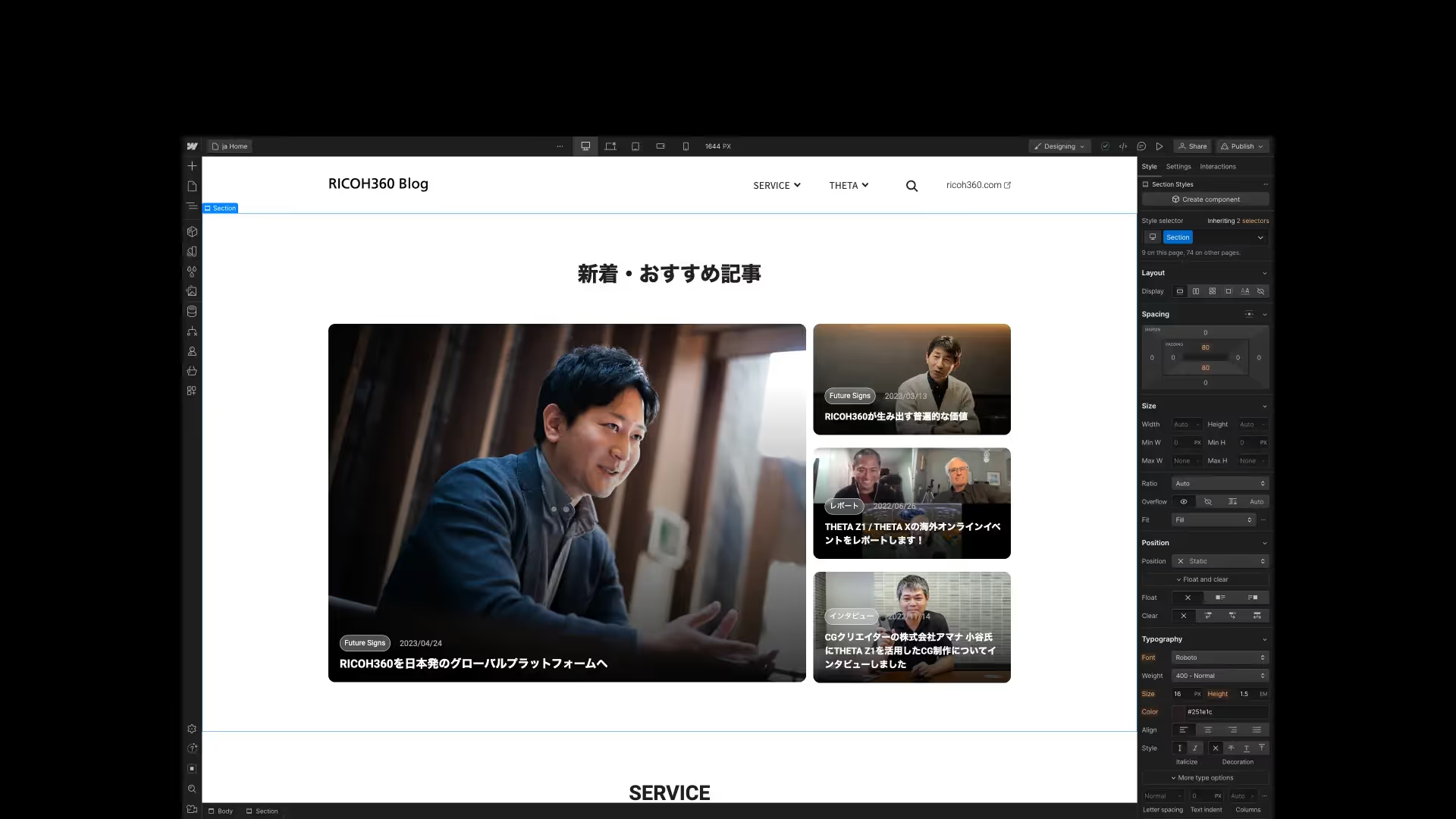
RICOH360 Blog
3 blog website combined and migrated to Webflow
See project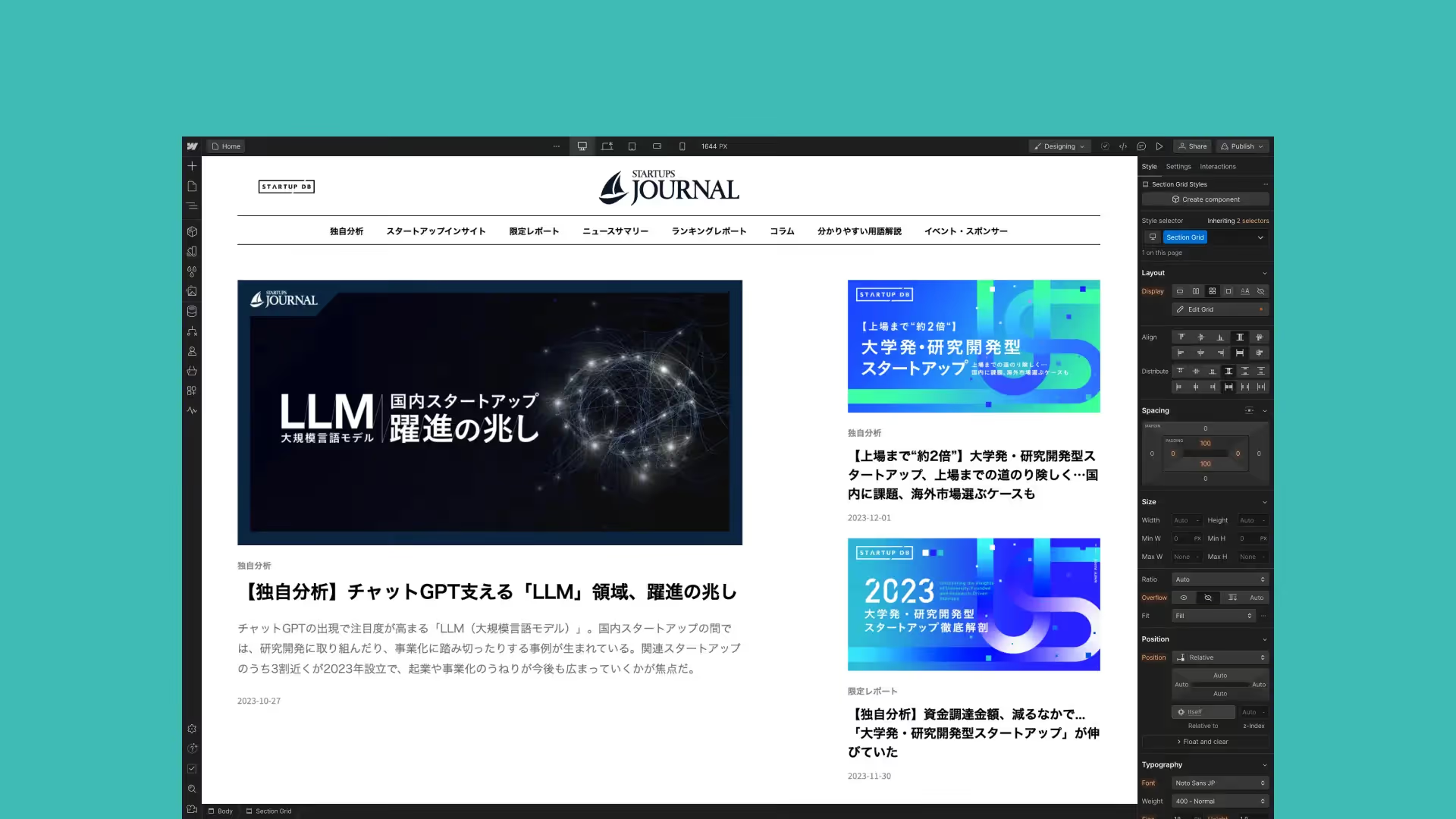
STARTUPS JOURNAL
We provided Webflow learning curriculum and mentoring to help build a media website about startup ecosystem.
See project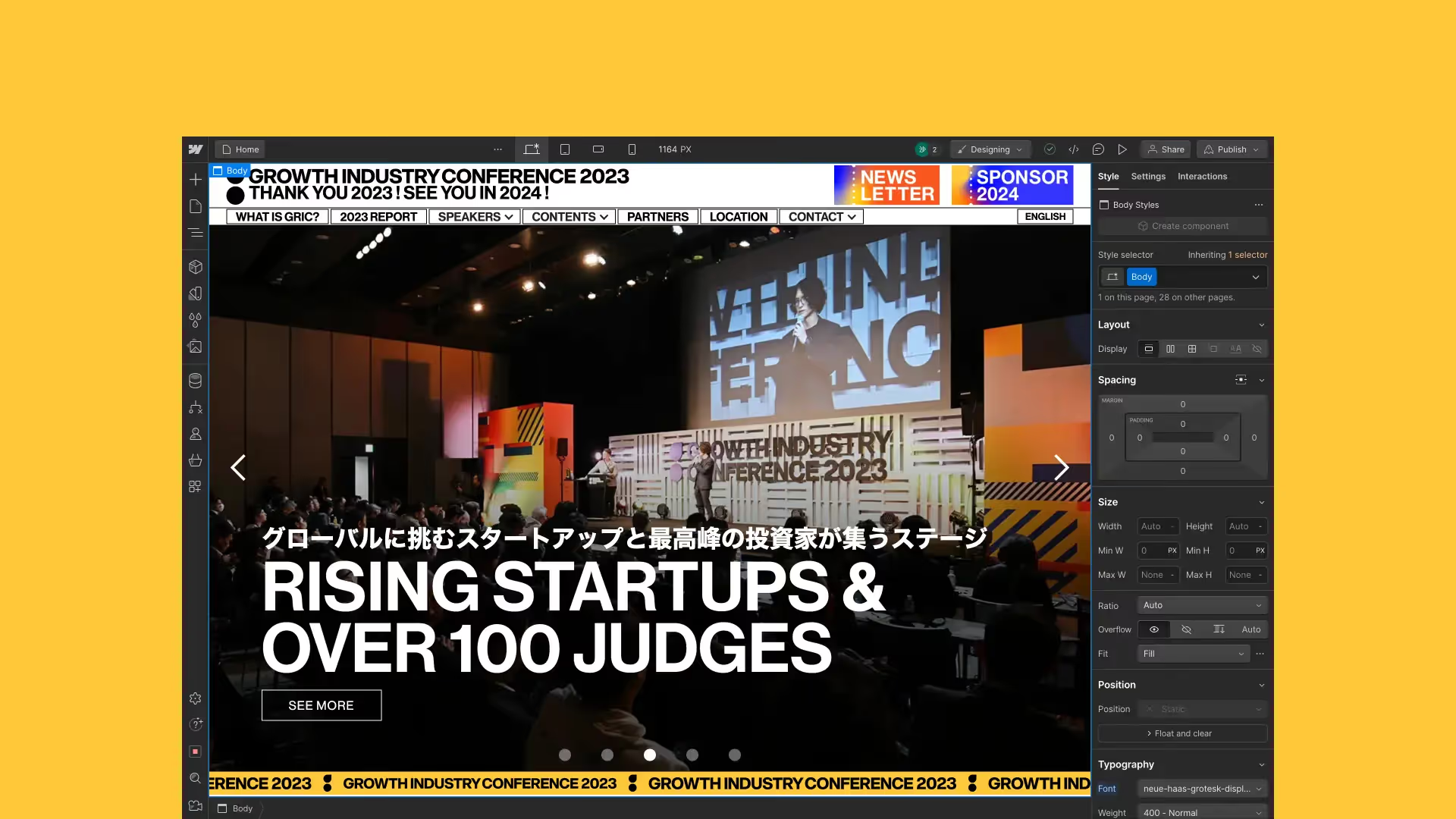
GROWTH INDUSTRY CONFERENCE (GRIC)
Technical mentoring support to build event website
See projectTestimonials
What our clients say
We appreciate regular support via chat and online call, and the excellent communication and responsiveness. Thank you very much.
 Ricoh Company, Ltd. So Ohara
 Official Partner
Japan’s first Webflow Enterprise Partner
We’re a Webflow Premium Partner and hold the Enterprise Badge — the platform’s highest certification, and the first of its kind in Japan. It’s reserved for agencies with a proven record of delivering massive, high-traffic corporate builds.
About our partnership
Our Tokyo-based team delivers Webflow design, development, migration and support as part of Supasaito’s wider custom development and marketing services.
- Tokyo, Japan
- Partner since Jul 2023
- English, Japanese, Russian, Italian
- supasaito.com
Scope & responsibilities
The estimate depends on templates, content volume, languages, integrations and design changes. Platform subscriptions and third-party services are separate. Migration can cause search visibility fluctuations; preserving rankings or traffic is not guaranteed. We agree a launch checklist and a monitoring period.
What to share for an estimate
Send your site URL, current platform, preferred destination if known, languages, approximate content volume and critical integrations. We start with discovery when the destination is undecided.
- Must every URL change?
-
No. We preserve suitable URLs where the destination allows it and create a redirect map for paths that need to change.
- Can you preserve our search traffic?
-
We plan URL mappings, redirects, metadata and internal links to reduce avoidable disruption. Search engines need to process changes, so stable rankings and traffic cannot be guaranteed.
Related services
Other solutions
Looking for something more?
Every business has unique challenges. We offer a range of solutions to meet the various needs of our customers.
Webflow Development
Launch a brand-new website on a robust NoCode platform — built to be easy for your team to run.
Explore SolutionWebflow Implementation
Move to in-house web development with Webflow through our consulting and hands-on training.
Explore SolutionWebflow Support
A monthly package for seamless updates, proactive maintenance and strategic growth recommendations.
Explore Solution